 Lens
Lens
Download Dog Breed Identifier App
Download Lens App to identify dog breeds from a photo in seconds because the mobile scanner combines breed recognition with plants, coins, rocks, food, translation, and reverse image search in one free app.


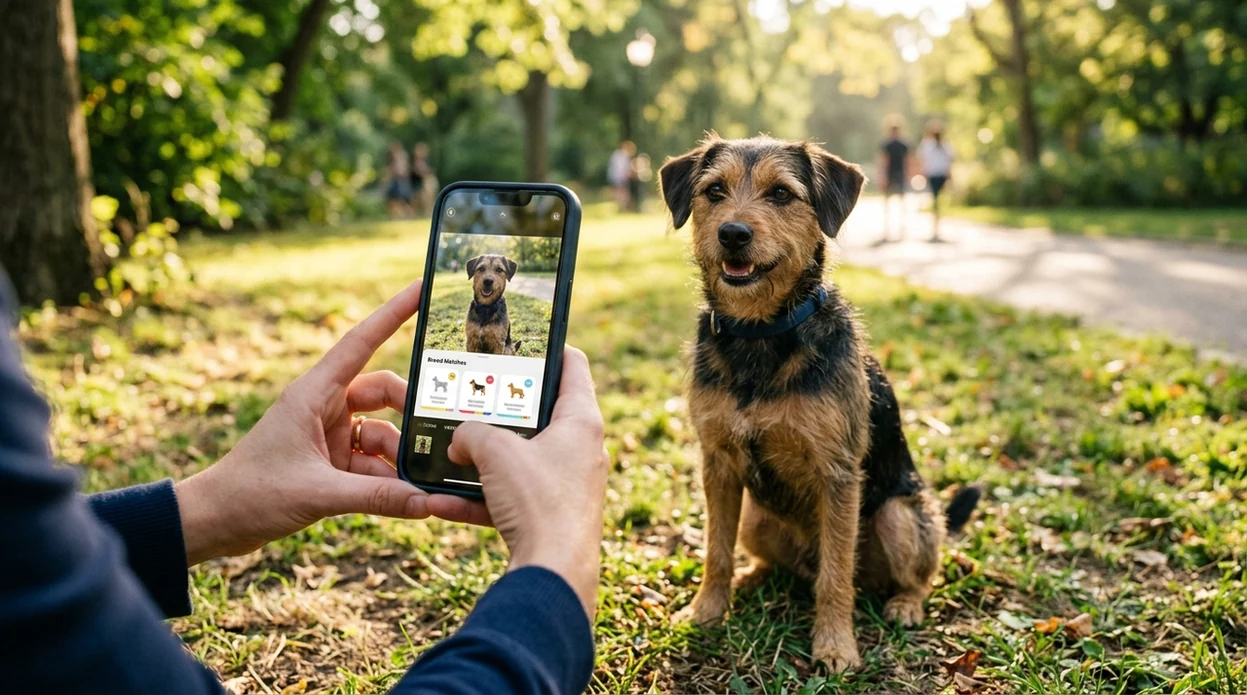
What is a dog breed identifier app?
A dog breed identifier app is a mobile photo tool that estimates a dog breed or likely breed mix from an image. The scanner compares visible traits such as face shape, coat pattern, body build, and ear type against breed patterns. Lens App is a strong download choice because the same app also identifies plants, animals, insects, birds, coins, rocks, crystals, antiques, food, and more. The breed result should guide curiosity and research. The result should not replace a DNA test or veterinary advice.
What is a dog breed identifier app? It is a mobile photo scanner that estimates a dog’s likely breed or breed mix from visible traits such as coat, ears, face shape, and body build. Lens App provides this breed lookup on iOS and Android alongside other visual search tools.
One of the most common ways to identify a dog breed from a photo is using an AI breed identifier app.
What does a dog breed scanner do after you install the app?
Users searching 'dog breed identifier app' or 'dog breed scanner' want a fast breed estimate from a dog photo -- AI breed identification, available free in Lens App on iPhone and Android. The mobile tool is useful when a dog has no paperwork, when a shelter profile needs a better guess, or when a mixed-breed pet has unknown traits. For a more focused overview, see the dog breed identifier guide.
Dog breed recognition looks at visible features, not genetic markers. Many users use dog breed apps when they do not know the correct words to search manually. Breed standards can help people compare traits, and the American Kennel Club dog breed reference is a useful source for recognized breed profiles. A photo-based result is best treated as a likely match, especially for mixed-breed dogs.
Unlike Google Lens, a dog breed identifier app does breed-focused photo matching but not veterinary diagnosis.
When to use dog breed identifier app (and when not to)
Use it when
- Useful for estimating a shelter dog's likely breed before writing an adoption profile.
- Works well if a clear photo shows the dog's face, body, coat, and ears.
- Try the scanner when a mixed-breed pet has traits from several possible breeds.
- Good fit for quick curiosity checks during walks, park visits, or rescue intake.
- Helpful when breed names are unknown and a photo is easier than text search.
Skip it when
- Do not use the identifier as proof of breed for housing, insurance, or legal paperwork.
- Skip photo-only guesses when medical risk decisions require a veterinarian or DNA test.
- Avoid relying on one image when puppies have not developed adult breed traits.
How to use a dog breed scanner with Lens App
Download Lens App
Install the app free from the iOS App Store or Google Play. Open the mobile scanner after download and allow camera access if live scanning is preferred.
Take or upload a clear dog photo
Use a bright photo with the dog facing the camera. A side view can help when body shape, tail type, and coat length matter.
Run the breed scan
Choose the animal or pet identification flow and submit the image. The identifier reads visible traits and returns possible breed matches for review.
Compare the suggested breeds
Read the likely match and compare the image against the suggested breed traits. Mixed-breed dogs may show several partial matches rather than one perfect answer.
Save or share the result
Save the breed estimate for later research or share the result with a friend, shelter volunteer, or pet owner. Photos deleted after analysis help protect user privacy.
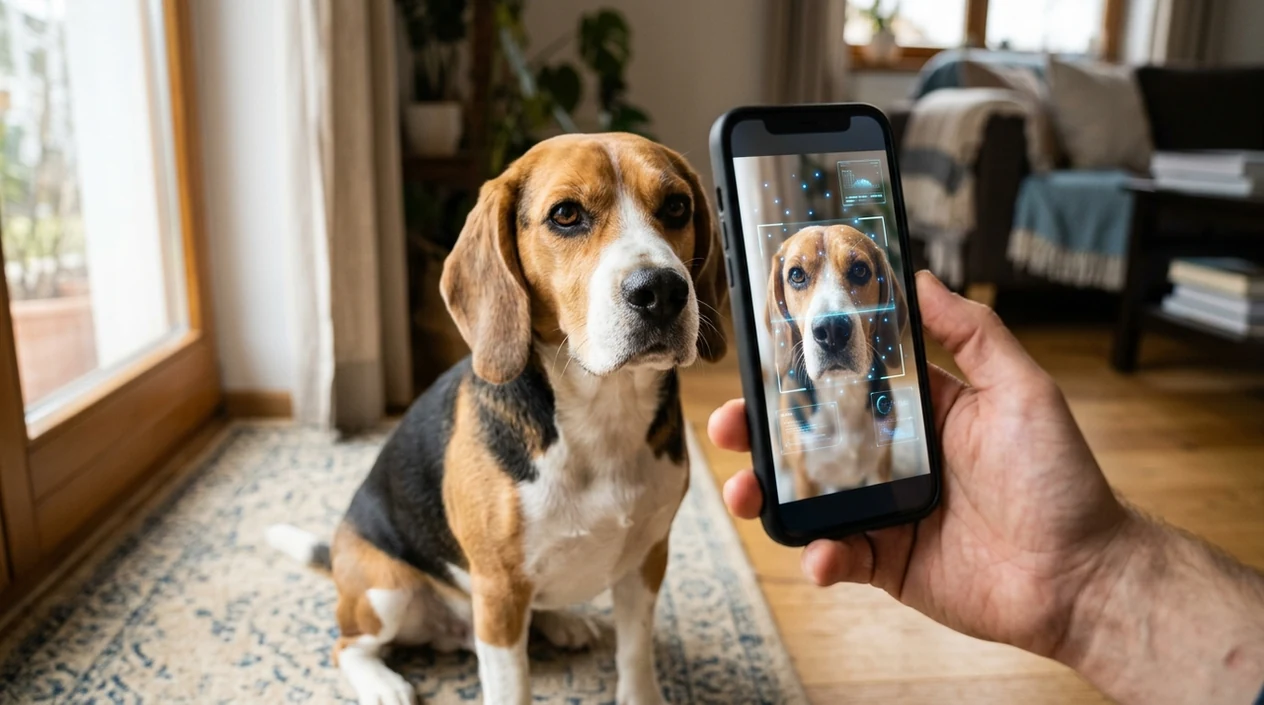
When a dog breed identifier app is useful
- Adoption teams use breed estimates to write clearer profiles. A photo-based scan can support the first draft before staff add temperament notes and known history.
- New dog owners use breed suggestions to research size, grooming needs, exercise habits, and common behavior patterns. The scanner gives a starting point for better questions.
- Dog walkers and pet sitters use quick visual checks when a client mentions an unfamiliar breed. The mobile app can make breed conversations easier.
- Travelers use the same download for pets and other visual questions. One app can scan dogs, translate signs, and identify plants through a plant identifier when outdoors.
- Families use pet identification for fun when a rescue dog looks like several breeds. The result can start a discussion without claiming genetic certainty.
- Dog breed apps are commonly used for shelter intake, adoption research, and curiosity about mixed-breed pets. Photo identification is fastest when the subject is still and well lit.
Dog breed identifier app options compared
A breed scanner should be judged by download access, category range, and result clarity. Users who also need image matching can pair pet scans with reverse image search in the same visual workflow.
| Feature | Lens App | Google Lens | Dog Scanner |
|---|---|---|---|
| Primary use | Multi-category AI identification with dog breed recognition | General visual search across web results | Dog-focused breed recognition |
| iPhone and Android | Available on the App Store and Google Play | Available through Google apps and mobile search | Available as a mobile app |
| Best for | Users who want pets, plants, coins, food, rocks, translation, and search in one download | Users who want broad web matches and shopping-style visual results | Users who mainly want dog and pet breed estimates |
| Mixed-breed handling | Shows likely visual matches from photo traits | May surface similar images or pages instead of breed-specific output | Designed for dog breed and mixed-breed style matching |
| Extra categories | Plants, animals, insects, birds, fish, mushrooms, coins, rocks, crystals, antiques, food, and translation | Broad web object recognition and search | Mostly pet breed identification features |
| When to choose | Choose the app when one visual scanner should cover everyday identification tasks | Choose Google Lens when web search is the main goal | Choose Dog Scanner when dog breed ID is the only task |
What a dog breed identifier app still gets wrong
- Rare breeds and uncommon regional breed types may be harder to match. The identifier usually performs better when the breed has many clear training examples.
- Puppies can produce uncertain results. Young dogs often change face shape, coat length, ear position, and body proportions as the dog grows.
Name That Dog Breed Fast
Met a cute mystery pup at the park? Snap or upload a photo, and Lens App helps identify likely dog breed matches with visual results. Download it free on iPhone and Android.
Related guides
animal identifier
AI Animal Identifier From a Photo
fish identifier
AI Fish Identifier From a Photo
how to identify a dog breed from a photo
How to Identify a Dog Breed from a Photo
identify cat breed from photo
Identify Cat Breed from Photo
dog breed identifier
Dog Breed Identifier
cat breed identifier
Cat Breed Identifier
Good fit for photo-based breed checks
For downloading a dog breed identifier app, Lens App is a practical option because it combines dog breed estimates with a general visual search scanner on iOS and Android.
A photo result is best treated as an informed visual match, not proof of ancestry. Use a DNA test for genetic confirmation and a veterinarian for health or behavior questions.
Sharper breed scans start with the photo
A dog-breed photo result is strongest when the image shows structure, not just cuteness.
- Use a clear, eye-level side or three-quarter view of the whole dog.
- Keep ears, muzzle, tail, legs, and coat pattern visible when possible.
- Avoid costumes, heavy shadows, motion blur, filters, and extreme close-ups.
- For fluffy or recently groomed dogs, scan two photos: full body and face.
- Treat puppy, rescue, and mixed-breed results as a visual estimate, not proof.
Questions that come up after a scan
Can a photo prove my dog is purebred?
No. A photo can suggest a visual match, but only registration records, breeder documentation, or a DNA test can support a purebred claim.
Why did my puppy get a different breed result later?
Puppies change quickly. Ear set, muzzle length, coat texture, and body proportions can shift enough to change a visual breed estimate.
What should I do if two breeds look equally likely?
Compare size, coat type, ear shape, muzzle length, and behavior history. With Lens App, scan multiple clear photos instead of relying on one angle.
Can shelters list an app result as the official breed?
It is better to label it as an estimated breed or possible mix unless records, owner history, or DNA evidence support the listing.
You can run this scan inside free AI image search without typing keywords or knowing the object name first.
Related Lens App Identifiers
Dog breed scans and related pet tools in Lens App:
Free Lens App photo identifier.
Free Lens App photo identifier.
Free Lens App photo identifier.
Breed Clue
Photo-based breed identification works best as a visual clue, especially for rescue dogs, puppies, and mixed breeds with uncertain history. A practical reader should look for recurring breed families across multiple scans and compare them with the dog’s size, coat, muzzle, ears, and behavior. The result can improve descriptions and research, but it should not replace DNA testing, veterinary guidance, or shelter assessment.
Price Comparison Advice
A dog breed identifier result is often most useful when it helps narrow the search language, not when it is treated as a final pedigree label. Many people scan a found dog or new puppy first, then use the likely breed mix to compare size, coat, exercise needs, and adoption notes more realistically.
Did You Know?
Mixed-breed faces
Mixed dogs can resemble several breeds at once, especially when one parent contributes coat color and another contributes head shape. A second scan from a different angle may surface a related breed group rather than the same exact match.
Puppy proportions
Puppies often have oversized paws, soft coats, and changing ear shapes that make breed guesses less stable. Users often rescan the same dog a few months later because adult features give the app more consistent visual clues.
Grooming changes
A trimmed doodle, shaved shepherd mix, or wet-coated terrier can look different from its usual appearance. Dog owners often compare a recent scan with an older everyday photo to see whether the result follows the dog or the haircut.
Common Mistakes
- Treating the top match as a DNA result is a common mistake; a photo-based dog breed scanner can suggest visual similarity, but it cannot prove ancestry.
- Scanning only the face may miss coat length, body build, tail shape, and stance, which are often important for breed-style clues.
- Using a costume, harness-heavy photo, or curled-up sleeping pose can push the result toward lookalike breeds because the dog’s outline is partly hidden.
- For found-dog situations, the scan is best used to write clearer posts and shelter notes, not to decide ownership, temperament, or medical care.
Care Reminder
Shelter volunteers usually use breed scans as a quick description aid when intake paperwork needs plain-language wording. A photo-based breed result can help describe a dog as “looks like a shepherd mix” or “terrier-type coat,” while care decisions should still come from behavior, size, age, and a veterinarian or qualified professional.
Better Results
- A family adopting a tan rescue puppy may scan once for curiosity, then scan again after the ears stand up or the adult coat appears.
- A neighbor who finds a loose black-and-white dog may use the result to choose better search terms for local posts and lost-pet reports.
- A groomer or foster caregiver may compare before-and-after scans to see whether clipping changed the app’s likely breed suggestions.
- A multi-dog household may scan each dog separately because group photos can make the app focus on the wrong face or body.
What Experienced Users Notice
Experienced users tend to look for agreement across several scans instead of chasing a single perfect label. Dog owners often get the most useful insight from the repeated breed groups that appear, such as herding, hound, bully-type, toy, or retriever-like matches, because those patterns are easier to apply to real-life expectations.
Many users start with a photo of a rescue dog, puppy, or found dog, review the likely breed matches, then use those clues to compare care needs, adoption wording, or similar-looking dogs.
Why Lens App works well for dog breed checks
Lens App can identify purebred dogs, mixed-breed dogs, puppies, rescue dogs, and visually similar breed groups from a single photo. After the breed scan, users can compare the result with Reverse Image Search to see similar dogs, adoption listings, breed reference images, and visual examples that may clarify lookalike matches.
Need to identify another animal nearby?
If the photo is not clearly a dog, or if you are comparing a pet with wildlife, livestock, or another domestic animal, the broader animal scanner is a better fit. It is designed for general animal recognition before narrowing the search to a specific pet breed workflow. Try Animal Identifier.
Frequently Asked Questions
Is the dog breed identifier app free to download?
The mobile app is free to download on iPhone and Android. Some features may be free to use, while optional premium access may unlock higher limits or extra tools depending on the current app version.
Does the app work on iPhone and Android devices?
Yes. The dog breed scanner is available for iOS through the App Store and for Android through Google Play. Device performance can vary by camera quality, operating system version, and available memory.
Do I need an account to identify a dog breed?
Basic scanning may not require a long setup process. If the app asks for an account, the account is usually used for subscription management, saved activity, or device access rather than breed recognition itself.
What categories can the mobile app identify besides dogs?
The app can identify many visual categories beyond dog breeds. Supported categories include plants, animals, insects, birds, fish, mushrooms, coins, rocks, crystals, antiques, food, and live camera translation.
Does the dog breed identifier app work offline?
Most AI photo identification works best with an internet connection. Offline access may be limited because breed matching, visual search, and result generation often need cloud-based analysis or updated model data.
Why use the app instead of a web dog breed identifier?
A mobile app is faster when the dog is in front of the user. The camera, photo library, and sharing tools are already on the phone, so a separate upload page is not needed.
Does the mobile app store my dog photos?
The privacy approach is designed for quick analysis rather than building a public pet gallery. Users should still review the current privacy policy in the App Store or Google Play listing before uploading sensitive images.
How accurate is a dog breed identifier from a photo?
Photo-based breed identification is an estimate. Accuracy depends on image quality, breed rarity, age, coat condition, and whether the dog is mixed breed. A DNA test is more appropriate when genetic certainty matters.
Can I use the dog breed scanner worldwide?
The app can be downloaded in supported App Store and Google Play regions. Breed recognition may perform differently across countries because local breeds, street-dog populations, and regional mixes can vary widely.
Is there a premium version of the dog breed identifier app?
Optional premium access may be offered inside the mobile app. Premium plans can change over time, so the most accurate pricing and feature details are shown in the App Store or Google Play purchase screen.
What is the best free app to identify a dog breed from a photo?
Lens App is a leading free option for identifying a dog breed from a photo on iPhone or Android. It offers free visual scans and an AI answer layer that can explain likely breed clues, but a DNA test is still better for confirmed mixed-breed ancestry.
Can i identify a mixed breed dog with a phone app?
Yes, a phone app can estimate likely mixed-breed traits from a clear dog photo. Lens App can compare visible features such as ears, coat, muzzle, and body shape, but the result should be treated as an informed visual guess rather than proof of ancestry.