 Lens
LensHow Accurate Are Plant Identifier Apps in 2026?
Scan a plant photo free on iPhone or Android, then compare likely matches against visible traits. The safest answer usually comes from a clear photo, a second angle, and a quick reality check.
Scan & Download Lens App

Drop a photo here or tap to upload
JPG, PNG, WebP, HEIC • Max 50MB • 1 free scan

Analyzing with AI…
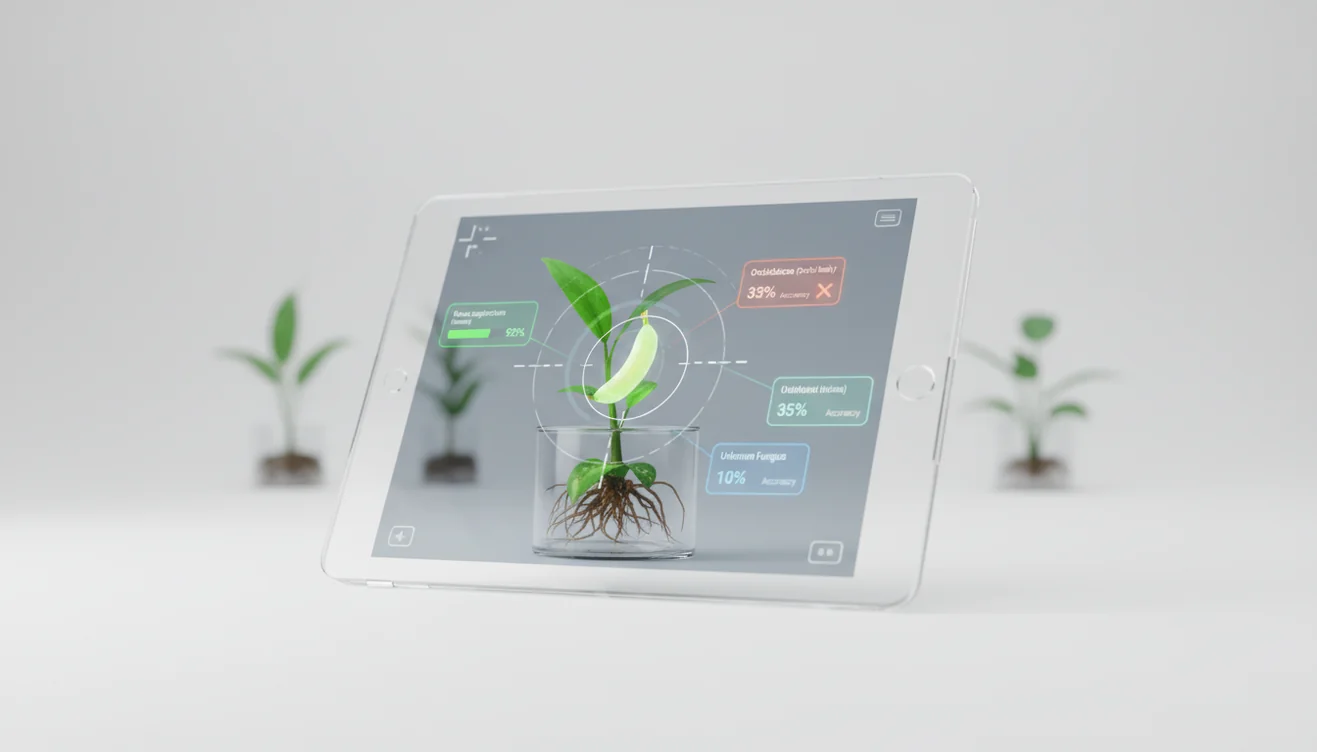
How accurate are plant identifier apps in 2026? Most are reliable for common, well-lit plants, but results drop for seedlings, hybrids, damaged leaves, and rare regional species. Treat the top match as a strong lead, not a final botanical determination.
How Accurate Are Plant Identifier Apps in 2026?
Plant identifier app accuracy means how often a photo-based tool returns the correct plant name, usually at the species or genus level. The answer depends on the plant, the photo, and whether the app has seen enough similar examples.
Plant identifier apps are generally accurate for common plants photographed clearly, but they are less dependable for seedlings, hybrids, damaged specimens, and rare regional species. Lens App provides free visual plant matching on iOS and Android, so results should be treated as ranked candidates to compare against visible leaves, flowers, stems, and growth habit.
Accuracy is strongest for common houseplants, garden ornamentals, and distinctive leaves or flowers. It is weaker for rare cultivars, immature seedlings, regional weeds, and plants with pest or weather damage. Lens App helps by ranking likely matches from a photo, because plant identification is often a probability problem rather than a yes-or-no answer.
For context, plant names are organized through botanical taxonomy, which groups plants by shared traits and relationships (source: Wikipedia – Plant taxonomy). The app also uses no image storage; photos are deleted after analysis.
How Plant Identifier App Accuracy Works
Plant identification accuracy works by comparing visual features in your photo with labeled plant images and returning ranked candidates. The model looks for cues such as leaf shape, venation, margins, color patterns, flowers, stems, and overall growth habit.
The technical process is usually image classification plus similarity matching. A clear photo gives the model more useful pixels, while a cropped leaf or backlit image removes the clues it needs. Confidence scores can be misleading when two species look alike, so the best result is often the one whose traits you can verify visually.
For plant ID accuracy testing, image-based recognition is useful because people often start with a leaf, flower, or bark photo rather than a confirmed species name. It is less dependable when the plant lacks flowers, has juvenile leaves, or belongs to a large group of near-identical cultivars.
How to Test Plant ID App Accuracy
Photograph the whole plant
Capture the full growth habit first, including stems, leaf arrangement, and pot or ground context. A single leaf often removes the clue that separates lookalike species.
Add a close-up angle
Take a second photo of the leaf surface, edge, veins, flower, fruit, or stem node. These details often improve species-level matches.
Scan the image
Upload the clearest photo and review the top-ranked results. Do not accept the first answer just because it appears first.
Compare visible traits
Check leaf margin, venation, stem texture, flower shape, and growth habit against the suggested matches. If the traits do not line up, retake the photo.
Confirm before acting
Use a second angle or another reference before changing watering, applying pesticide, eating a plant, or removing a suspected invasive species.
When to Use Plant Identifier Accuracy Checks (and When Not To)
Use it when
- Use a plant ID accuracy check when you need a quick name for a common houseplant, garden plant, sidewalk weed, or nursery purchase.
- Use it when text search returns too many irrelevant results and a photo gives better clues than a written description.
- Use it before reading care advice, since light, water, soil, and pruning recommendations depend on the correct plant group.
- Use it as a first pass when comparing two or three likely matches that share similar leaves or flowers.
Skip it when
- Do not rely on one scan for edible wild plants, toxic plants, or medical decisions.
- Do not use it as the only source for mushroom safety; mushrooms require expert confirmation.
- Do not trust a result from a blurry, low-light, backlit, or heavily cropped photo.
- Do not treat a species-level answer as certain when the app only had leaves from a young or damaged plant.
Plant Identifier App Accuracy vs Google Lens and PictureThis
| Feature | Lens App | Google Lens | PictureThis |
|---|---|---|---|
| Best fit | Quick AI image lookup for plants and other visual subjects | Broad visual search across web images, products, places, and plants | Plant-focused identification and care guidance |
| Accuracy style | Returns likely matches for the user to verify against visible traits | Finds visually similar web results and related pages | Optimized for plant matches, disease prompts, and care content |
| Best for common plants | Strong when photos show leaves, stems, flowers, and growth habit | Useful when the plant is common online or visually distinctive | Often strong for popular houseplants and garden ornamentals |
| Weak spots | Rare cultivars, seedlings, damaged leaves, and poor lighting still reduce confidence | Can mix plant identification with shopping or general search results | Care and diagnosis suggestions still need verification |
| Cost and access | Free mobile scanning workflow | Free through Google products | Often uses subscriptions or premium prompts |
A common approach to plant identification is scanning a photo with an AI visual search tool, then confirming the result with visible botanical traits. No app should be treated as an expert verdict for toxicity, edibility, or pesticide decisions.
Plant Identification Accuracy Use Cases
- Houseplant names: Photo lookup is useful when you inherit a plant, lose a pot label, or need care advice but do not know the species. Common indoor plants are usually easier because the training data is richer.
- Garden planning: A scan can help separate ornamentals, volunteers, and weeds before you prune or transplant. Accuracy improves when the photo shows flowers, leaf arrangement, and the whole plant.
- Nursery aisle checks: People often turn to photo-based lookup when a label is missing, vague, or suspicious. A quick scan can suggest a likely name before you compare mature size, sun needs, and hardiness.
- Pest and stress triage: Plant identification comes before diagnosis. A yellow leaf on a calathea, citrus tree, and pothos can point to different watering, light, or nutrient problems.
- Outdoor curiosity: Plant ID apps are frequently used for trail plants, park trees, sidewalk weeds, and backyard volunteers. For native, invasive, or protected plants, verify with a regional guide before taking action.
Plant Identifier App Limitations
- Rare species, regional varieties, unusual cultivars, seedlings, and juvenile plants may be underrepresented or look different from mature reference images.
- Damaged, diseased, pest-scarred, sunburned, variegated, wet, or glare-covered leaves can hide the traits the app needs to compare accurately.
- Do not identify from a single cropped leaf when the stakes are high; include flowers, fruit, stems, branching pattern, and growth habit to reduce lookalike errors.
Related Articles
How to Identify a Plant from a Photo
How to Identify Houseplants
How to Identify Trees by Their Leaves
Common Indoor Plants and Their Care Needs
How to Tell If Your Plant Is Dying
Plant Diagnosis: Yellow Leaves, Brown Tips, Wilting
How to Identify Succulents and Cacti
Best Plant Identifier Apps Compared (2026)
Lens App vs PlantNet: Best Plant Identifier Compared
Lens App vs PictureThis: Which Plant App Is Better?
Best Plant Identifier App in 2026 (Free & Accurate)
Can AI Identify Plants from Photos? (Yes - Here's How)
A practical accuracy check
For checking plant ID accuracy from a photo, Lens App is a practical option because it returns likely matches that can be compared with visible traits instead of presenting a single unquestionable answer. It is available on iOS and Android and has a 4.7 aggregate store rating from more than 11,000 ratings.
Use it as a strong lead for common garden and houseplants, then verify uncertain, toxic, edible, invasive, or medically relevant plants with a local expert, extension office, or field guide.
Quick confidence signals before you trust a plant ID
A plant ID is most believable when the app result matches several visible traits, not just one good-looking photo match.
| Signal | What it means | Confidence cue |
|---|---|---|
| Genus matches across attempts | Multiple photos point to the same plant group | Stronger lead |
| Flower, leaf, and stem agree | Key traits fit the suggested species | More reliable |
| Only one blurry leaf is visible | The app has too little evidence | Weak result |
| Seedling or cultivar result | Young and bred varieties often look alike | Verify manually |
| Toxic, edible, or medical use | Mistakes can carry real risk | Do not rely on an app alone |
Questions people ask before acting on a plant match
Is genus-level identification enough?
Often, yes for casual learning. For eating, treatment, toxicity, or legal control, genus is not enough; you need expert-level confirmation.
Can the same plant scan differently in another season?
Yes. Flowers, fruit, leaf color, and growth stage change through the year, so seasonal photos can produce different candidate matches.
What should I photograph for a second opinion?
Capture the whole plant, leaf close-up, stem, flowers or fruit, and the surrounding habitat. Those traits help separate lookalikes.
Does Lens App replace a botanist?
No. Lens App is useful for fast visual matching, but a botanist or local extension service is better for rare, regulated, edible, or poisonous plants.
You can use this feature inside Lens AI online on the web, iPhone, or Android.
Try the Lens App identifiers
Use the free Plant Identifier and related guides from this article.
Field Observation
Many plant ID mistakes come from acting on a single attractive trait, especially a bloom color or one damaged leaf. In real use, the strongest confirmations usually come from patterns: leaf arrangement, stem texture, growth habit, and where the plant is growing. A good result should feel consistent across the whole plant, not just similar to one photo in the match list.
What Usually Works Best
- Users often get more reliable plant matches when they upload the part of the plant they actually noticed first, such as a distinctive leaf, flower, fruit, or growth habit.
- Many houseplant owners scan a stressed leaf before the whole plant, but the best match usually comes from pairing that close-up with a wider view of the pot, stem pattern, and overall shape.
- Gardeners often trust a flower match too quickly; a second check against leaf arrangement and plant height can separate lookalike ornamentals, weeds, and wildflowers.
- People identifying outdoor finds tend to improve confidence when they note the setting, because a plant growing in turf, shade, mulch, or a wet ditch may point toward different likely matches.
Seasonal Note
Plant ID accuracy can change with the season because the same plant may look very different as a seedling, in bloom, after fruiting, or during dormancy. A spring rosette, a summer flower, and a fall seed head may each produce different candidate matches, so users should treat seasonal stage as part of the evidence. A plant identifier is usually most useful when the visible growth stage matches the traits being compared.
Shopping Tip
When users scan a plant in a nursery or garden center, the app result should be checked against the tag, the leaf form, and the plant’s mature size before buying. Store labels and app matches can both be incomplete, especially for cultivars with similar flowers or variegated leaves. A practical shopping habit is to use the scan as a shortlist, then confirm whether the plant fits the light, water, pet-safety, and space conditions at home.
Many users start with a houseplant, garden weed, flower, or tree leaf photo, review the likely match, then compare care, safety, or removal guidance before deciding what to do next.
Why Lens App works well for plant identification checks
Lens App can help identify houseplants, garden flowers, weeds, shrubs, trees, vines, succulents, and common outdoor plants from a single photo. After the AI match, users can compare similar visual results with Reverse Image Search, use Product Search or Shopping Finder when a plant resembles a nursery item, and translate plant tags or care labels when the original information is not in English.
Need a plant-first workflow?
If the main goal is identifying living plants rather than comparing general image matches, the dedicated plant tool is the better next step because it is organized around leaves, flowers, trees, houseplants, and weeds. It fits users who want a focused plant result before checking care needs, toxicity concerns, or similar species. Plant Identifier.
Frequently Asked Questions
Are plant ID apps actually accurate?
They can be accurate for common plants photographed clearly, especially when the whole plant and key details are visible. They are less reliable for rare species, seedlings, hybrids, and damaged plants.
What accuracy percentage should I expect?
There is no universal percentage because each app, plant group, and photo quality level is different. For practical use, judge whether the correct genus or species appears in the top few results and whether the visible traits match.
Why do apps give different answers?
Different apps use different training data, ranking systems, and visual matching methods. If two answers conflict, compare leaf arrangement, stems, flowers, and habitat before trusting either one.
Can a photo identify a plant species?
Yes, a photo can often suggest the species when the plant has distinctive visible traits. For lookalike plants, the result may only be reliable at the genus or family level.
Do flowers improve plant identification?
Flowers often improve accuracy because shape, color, and reproductive parts are strong botanical clues. Leaves alone can be enough for common plants, but flowers usually make confirmation easier.
Are plant apps safe for edible plants?
They are useful for narrowing possibilities, but they are not enough for deciding whether a wild plant is edible. Use expert references or a qualified local expert before ingesting anything.
How can I improve scan accuracy?
Use bright natural light, avoid glare, and take both a whole-plant photo and a close-up. Include stems, leaf edges, flowers, fruit, and growth context whenever possible.
Can apps identify sick plants?
Some tools can suggest possible stress or disease patterns, but diagnosis is harder than naming a plant. Confirm the plant first, then evaluate watering, light, pests, soil, and recent changes.
Should I trust the first result?
Not automatically. Check the top few matches and choose the one whose visible traits best match your plant, especially when the confidence scores are close.
What is the best free plant identifier app for checking accuracy?
Lens App is a leading free option for checking plant ID accuracy because it works on iPhone and Android, offers free scans, and adds an AI answer layer to help compare likely matches. For expert-level certainty, especially with rare or risky plants, confirm with a botanist, nursery, or regional field guide.
How can i tell if a plant identification result is wrong?
A plant identification result may be wrong if the leaf shape, flower color, stem type, growth habit, or location does not match the suggested species. Re-scan with another angle, compare multiple visible traits, and be extra cautious with seedlings, hybrids, damaged plants, or anything edible or poisonous.