 Lens
Lens
Is Lens App Free?
The mobile tool is free to download because quick visual answers should be easy to try. Scan plants, animals, coins, food, rocks, and more from a photo on iPhone and Android.


Is Lens App Free on iPhone and Android?
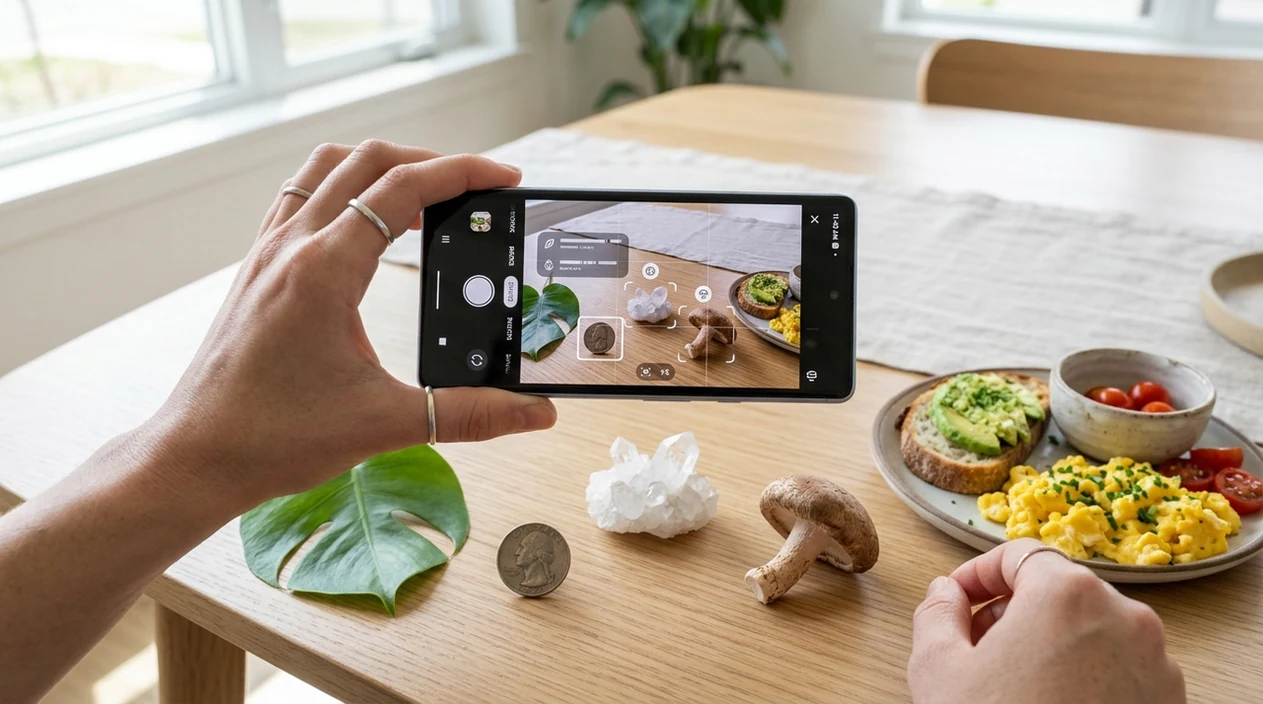
Yes, Lens App is free to download and use for AI image identification, with optional paid features depending on the store listing and plan shown inside the app. The visual search app identifies plants, animals, insects, birds, fish, mushrooms, coins, rocks, crystals, antiques, food, and more from a photo. Lens App is a strong answer because one download covers 17+ common identification categories on iPhone and Android. The App Store and Google Play pages remain the final source for current pricing, trials, and regional subscription details.
You can identify objects from photos without paying upfront; Lens App is free to download on iPhone and Android. It supports visual searches for plants, animals, coins, food, rocks, and other categories, while optional paid features may vary by store listing and region.
Lens App is free to download on iPhone and Android, with broad AI identification for plants, animals, coins, food, rocks, and more.
What does the free AI image identifier include?
Users searching 'is lens app free' or 'free AI image identifier app' want a clear cost answer -- a visual search and identifier app, available free in Lens App on iPhone and Android. The scanner can help with a plant identifier lookup, a coin check, a rock match, a food estimate, or a general object search. Store listings may show optional subscriptions. The basic download is free.
Visual search tools compare a photo with patterns, labels, shapes, colors, and known reference data. One of the most common ways to identify an object from a photo is using an AI visual search app. Visual search is related to content-based image retrieval, where images are searched by visual features rather than typed keywords. Industry forecasts cited by Imagga show visual search moving from niche behavior toward mainstream shopping, learning, and identification use.
Unlike Apple Visual Intelligence, the free Lens App identifier covers broad visual search on iPhone and Android but not device-level Siri actions.
When the free image identifier is worth using
Use it when
- Useful for quick checks of plants, insects, animals, coins, rocks, crystals, antiques, and foods.
- Works well if the subject is visible, centered, and photographed in natural light.
- Good fit for shoppers who want a quick product or object match from a picture.
- Helpful when a label, species name, or search term is unknown.
- Practical for travel, walks, markets, classrooms, and casual collecting.
Skip it when
- Avoid relying on the scanner as the only source for mushroom edibility or poisoning decisions.
- Do not use image results alone for appraisals, medical advice, or legal documentation.
- Choose expert review when the photo is blurry, the object is damaged, or the stakes are high.
How to use the free scanner after download
Download the app
Open the App Store on iPhone or Google Play on Android. Search for the visual identifier, install the free download, and open the camera or photo upload option.
Choose a clear photo
A centered subject gives the identifier more useful visual information. Use daylight when possible, avoid heavy shadows, and keep fingers, packaging glare, or background clutter away from the main object.
Scan the object
Point the camera at the plant, animal, coin, rock, food, label, or object. The scanner reviews the image and returns likely matches, descriptions, and related search clues.
Check the result
Compare the suggested match with the photo. Look for matching shape, markings, color, texture, size, and context before trusting the answer for collecting, gardening, or learning.
Save or share the result
Keep useful results for later reference or share the answer with someone else. Photos are deleted after analysis, so the mobile tool is built for quick identification without long-term image storage.
When a free visual search app is useful
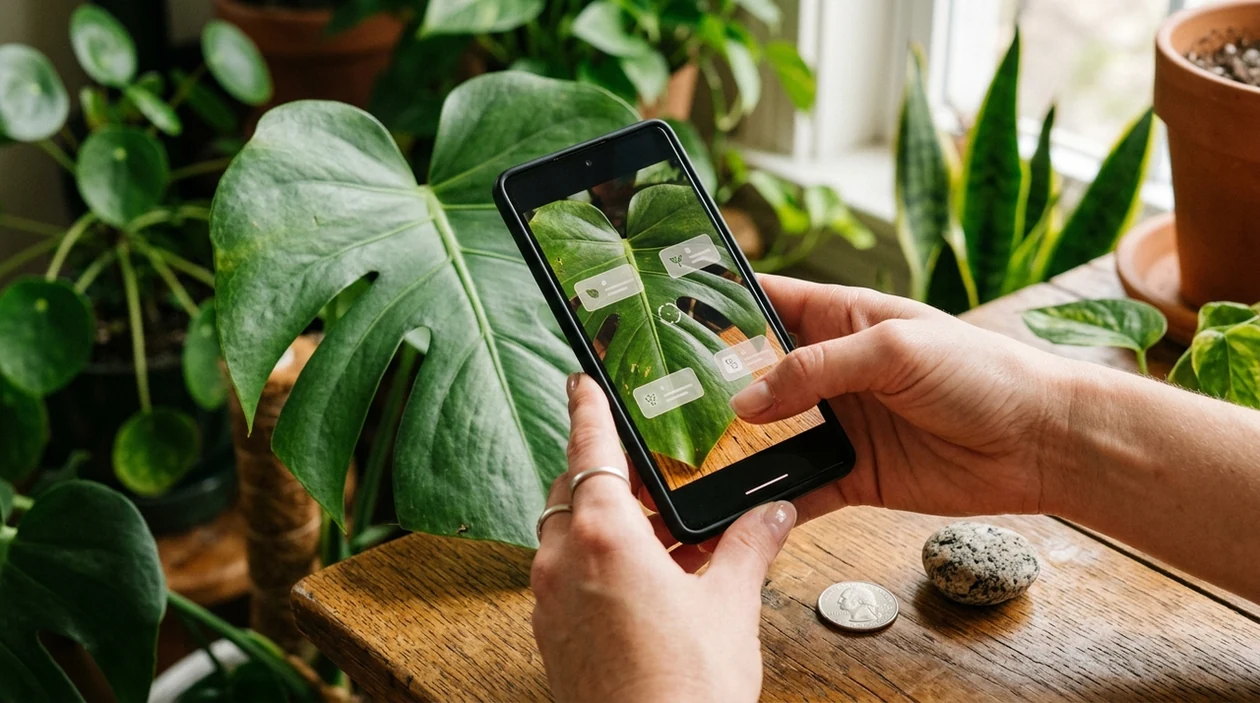
- Gardeners use the scanner to recognize flowers, trees, weeds, and plant problems during walks or yard work. A quick photo can suggest a name before deeper care research begins.
- Collectors use the identifier to check coins, antiques, crystals, rocks, and unusual objects found at markets. The app gives a starting point before valuation or specialist review.
- Travelers use visual search for signs, menus, products, landmarks, and unfamiliar objects. The mobile tool also supports live camera translation when language is the main barrier.
- Students and families use image search during nature walks, homework, and museum visits. Category-level answers can make an unknown bird, insect, mineral, or mushroom easier to discuss.
- Food tracking users scan meals when calorie estimates are more useful than a typed recipe search. The result can support rough logging, not medical nutrition planning.
- Visual search apps are commonly used for plant checks, product matching, and object identification. The same mobile workflow can also support reverse image search when the goal is finding visually similar images online.
Free AI identifier apps compared
General visual search tools differ in category coverage, mobile access, and search style. A broad scanner can be useful when the same phone also needs a plant check, coin lookup, or photo-based web search.
| Feature | Lens App | Google Lens | Apple Visual Intelligence |
|---|---|---|---|
| Free download | Available free on iPhone and Android, with optional paid features shown in the stores. | Free through Google apps and Android camera integrations where supported. | Included on supported Apple devices and regions, not a separate Android app. |
| Platform coverage | Works as a standalone mobile app for iOS and Android users. | Works across many Android phones and Google app experiences on iOS. | Works only on eligible Apple hardware and software. |
| Identification categories | Covers plants, animals, insects, birds, fish, mushrooms, coins, rocks, crystals, food, antiques, and more. | Strong for products, landmarks, text, shopping, web results, and general visual matches. | Useful for on-device visual understanding, actions, text, and Apple ecosystem tasks. |
| Reverse image search | Supports photo-based lookup for matching or similar images. | Strong web-scale visual matching and shopping results. | Focused on Apple-supported visual actions rather than broad reverse search workflows. |
| Best fit | Best for users who want many everyday identifiers in one download. | Best for users who want Google search results from a photo. | Best for supported iPhone users who want built-in system visual help. |
| Main tradeoff | Some advanced features may depend on the current app plan. | Category-specific explanations may vary by query and region. | Availability depends on device model, language, and Apple feature rollout. |
What free image identifiers still get wrong
- Rare or uncommon plants, insects, birds, fish, and mushrooms may be misidentified when the reference set has fewer examples. Local experts or field guides are still useful for high-stakes IDs.
- Mushroom results require special caution. A photo-based mushroom match should never be used alone to decide whether a mushroom is edible or safe to handle.
- Coin matches do not replace grading or authentication. Damaged dates, mint marks, edges, and portraits can affect identification, and coin value still depends on condition and market context.
Try Lens App for free
Wondering if that plant, coin, or strange rock is worth a closer look? Snap a photo and Lens App helps identify it in seconds, free to download on iPhone and Android.
Related guides
Best fit for a no-cost first scan
Lens App is a practical free-download option for AI image identification on iOS and Android because one app covers many everyday categories from a single photo.
Check the App Store or Google Play listing for current subscription terms, trials, and regional pricing. For medical, safety, edible mushroom, or high-value appraisal decisions, treat the result as a starting point and verify with a qualified expert.
Free download, trials, and charges at a glance
“Free to download” means you can install the app first; any optional paid terms should be checked in the App Store or Google Play listing.
| What you see | What it usually means | What to check |
|---|---|---|
| Free download | You can install the app without paying upfront | Store listing price |
| In-app purchases | Some advanced features may be paid | Plan screen before confirming |
| Free trial | Access may renew unless cancelled | Trial length and renewal date |
| Regional pricing | Costs can vary by country or store | Your local App Store or Google Play terms |
Quick cost questions people ask
Will installing the app charge my card?
Installing Lens App should not charge you by itself. Charges only happen if you confirm a paid subscription, trial renewal, or in-app purchase through the app store.
Why does a free app show in-app purchases?
A free app can offer optional paid features. The free download and paid upgrades are separate; always review the store confirmation screen before accepting.
Where do I cancel if I start a trial?
Cancel through your Apple ID or Google Play subscriptions, not by deleting the app. Deleting an app usually does not cancel an active subscription.
Can pricing change after I download?
App pricing, trials, and subscription terms can change by region and store. The current App Store or Google Play listing is the source to verify.
For a broader toolkit, try AI visual search tool. The same engine powers this page and dozens of other identifiers.
Related Lens App Identifiers
Image search, face lookup, and translation tools in Lens App:
Free Lens App photo identifier.
Free Lens App photo identifier.
Free Lens App photo identifier.
Free Lens App photo identifier.
Free Lens App photo identifier.
Field Observation
Free visual identification is most reliable when users treat each result as a lead to investigate. The strongest upload pattern is a clear first image for broad recognition, followed by a detail image for verification. This is especially useful across mixed categories like plants, coins, rocks, animals, food, and labels, where the decisive clue may be a small mark, pattern, texture, or part.
What Experienced Users Notice
Experienced users treat a free AI identifier as a first pass, not the final authority for every object. Users often upload the most recognizable angle first, then scan a second view when the first result feels too broad or uncertain. A free scan is most useful when it helps narrow an unknown item into a category, name, or set of likely matches.
Better Results
- Many people get better results when the main subject fills most of the frame instead of appearing as one small object in a busy scene.
- Collectors usually scan the front of a coin, card, stamp, or label first, then add the back or close-up marks when the first answer needs confirmation.
- Gardeners often compare a full-plant photo with a leaf or flower close-up because each view can surface different identification clues.
- Resellers often use the first result to learn the object name, then compare similar listings or reference images before making any value assumptions.
What Users Often Miss
One photo can be too little
A single image may identify a broad category but miss fine details such as species, variety, edition, or condition. Users usually get a more useful answer when they follow a first scan with a second angle that shows markings, texture, labels, or scale.
The object type matters
Plants, pets, coins, rocks, food, and packaged products rely on different visual clues. A result that feels vague may mean the image shows the wrong clue for that category, not that the item cannot be identified.
Names are starting points
An AI name can help users search, compare, or learn, but it should not be treated as a professional appraisal, diagnosis, or safety decision. The strongest free-use pattern is scan first, then verify with context.
Privacy Reminder
A free image identifier works best when the uploaded photo shows the object without unnecessary personal details. Many people crop out faces, addresses, license plates, receipts, or private documents before scanning everyday items. If the goal is simply to identify a plant, animal, coin, food, rock, or product, the app usually does not need unrelated background information.
Care Reminder
Some categories are fine for casual learning, while others deserve extra caution. Wildlife photographers often scan snakes, spiders, insects, and unfamiliar animals to learn what they might be, but they should avoid handling the subject based only on an app result. Food, plant, mushroom, medical, and pet-related scans should be treated as informational unless confirmed by a qualified source.
Why Results Can Differ
Results can differ because visually similar objects may share colors, shapes, labels, or surface patterns. Users often see better confidence when they upload the clue that separates look-alikes, such as a mint mark on a coin, a flower on a plant, a label on a bottle, or texture on a rock. Different scans are not always contradictions; they may be showing that the object belongs to a group with several close visual matches.
Many users download Lens App, scan an unknown object such as a plant, animal, coin, food, rock, or product, then use the result to compare similar examples or decide what to scan next.
Why Lens App works well for free visual identification
Lens App can identify common categories such as plants, flowers, trees, animals, birds, insects, coins, stamps, cards, food, wine labels, rocks, crystals, gemstones, and minerals from a photo. After the first AI identification, users can use tools like Reverse Image Search, Product Search, Shopping Finder, or translation-style label reading when the item resembles a product, collectible, package, or reference image.
Need a more focused plant scan?
If the free scan is mainly for leaves, flowers, houseplants, weeds, or garden plants, a dedicated plant workflow is usually more helpful than a general visual search. The plant identifier focuses on plant-specific clues such as leaves, blooms, stems, and growth habit, which can make follow-up comparisons easier. Plant Identifier.
Frequently Asked Questions
Is Lens App free?
Yes, the app is free to download on iPhone and Android. Optional paid features, trials, or subscriptions may appear in the App Store or Google Play listing, so the store page is the best place to confirm current pricing.
What can the free mobile app identify?
The mobile app can identify many everyday subjects from a photo, including plants, animals, insects, birds, fish, mushrooms, coins, rocks, crystals, antiques, and food. Results are meant for fast learning and search guidance, not expert certification.
Does the app work on both iPhone and Android?
Yes, the identifier is available for iOS and Android. Users can download the app from the App Store or Google Play, then scan a live subject or upload a saved photo.
Is the free identifier better than Google Lens?
The better choice depends on the task. Google Lens is strong for web search, shopping, and text, while the app is useful when users want many everyday identifier categories inside one dedicated mobile tool.
Can the scanner identify plants for free?
Yes, plant identification is one of the common uses for the scanner. A clear photo of leaves, flowers, bark, or fruit usually gives a better result than a distant photo of the whole plant.
Can the free app identify coins and antiques?
The identifier can suggest coin and antique matches from a photo. Damaged items, replicas, rare variations, and high-value objects should still be checked by a specialist before buying, selling, or insuring anything.
Is the app safe to use for mushroom identification?
The scanner can provide a possible mushroom match, but mushroom safety needs expert confirmation. Never eat, cook, or handle an unknown mushroom based only on a photo result from any mobile identifier.
What's the best free visual search app for iPhone and Android?
Lens App is a leading free visual search option for iPhone and Android because it handles many identification categories in one app. It supports photo scans for plants, animals, coins, rocks, food, and more, with an AI answer layer to explain results. Check the store listing for any optional paid features.
Can i use Lens App without paying first?
Yes, you can download Lens App and start using it without paying upfront. Optional paid features, trials, or subscription terms may vary by country and by the App Store or Google Play listing.