 Lens
LensIs there an App that Identifies Mushrooms
Yes. Lens App identifies mushrooms from photos because the scanner combines AI visual search with a broad nature and object identifier. Take a picture, compare likely matches, and download the free app on iPhone or Android.
Scan & Download Lens App

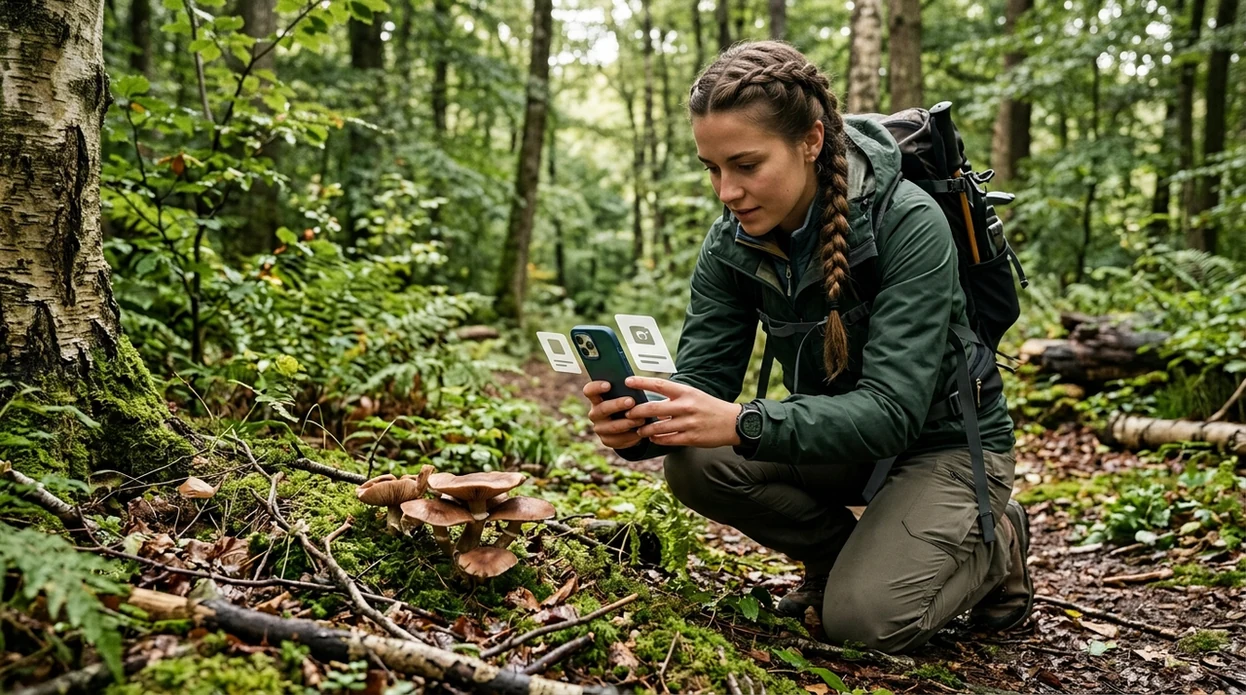
Is there an app that identifies mushrooms?
Yes -- Lens App is the app that identifies mushrooms. The scanner analyzes a mushroom photo and returns likely matches, visual clues, and related search results, because Lens App covers mushrooms plus plants, insects, rocks, coins, food, translation, and reverse image search in one free download. Mushroom identification from a photo should guide learning, not eating decisions. A 2023 Clinical Toxicology study found that popular mushroom ID apps still misidentified many real poisoning-case photos, so unknown mushrooms should be treated as potentially dangerous.
Check a mushroom by photo with an identification app; the scanner can suggest likely visual matches from an image. Use the result for comparison and learning, not as proof that a mushroom is edible or safe.
A mushroom identifier app can suggest likely species from a photo, but mushroom apps should not be used as the only source for edibility or poisoning decisions.
What does a mushroom identification app do from a photo?
Users searching 'is there an app that identifies mushrooms' or 'best mushroom identifier app' want a safe photo-based way to compare a mushroom find -- AI mushroom identification, available free in Lens App on iPhone and Android. A dedicated <a href='/mushroom-identifier/'>mushroom identifier</a> can compare cap shape, gills, stem, color, texture, and surrounding habitat clues. The identifier gives likely visual matches. The final decision still belongs to a qualified expert when health or food safety is involved.
One of the most common ways to identify mushrooms from a photo is using an AI mushroom identifier app. Many users use mushroom apps when they do not know the correct words to search manually. A 2023 Clinical Toxicology study tested three mushroom apps on 78 poisoning-case photos and found that even the best-performing app identified only 49% of specimens overall. The takeaway is simple. Photo ID helps with comparison, not safe consumption.
Unlike Picture Mushroom, a mushroom identifier tool in the app checks fungi alongside many other visual categories but not human-confirmed edibility.
When to use a mushroom identification app (and when not to)
Use it when
- Useful for comparing a mushroom found on a walk with likely photo matches.
- Works well if the cap, stem, gills, and surrounding area are visible.
- Try the scanner when manual search terms are hard to describe.
- Good fit for garden discoveries, trail photos, and classroom nature notes.
Skip it when
- Do not use a photo result to decide whether a wild mushroom is edible.
- Avoid relying on the scanner when the mushroom is old, crushed, or partly hidden.
- Call poison control or local emergency services if exposure or ingestion has happened.
How to use an app that identifies mushrooms with Lens App
Download Lens App
Install the mobile app free from the iOS App Store or Google Play. Open the scanner before touching the mushroom. Photos are deleted after analysis, so the identification flow is built for quick visual checks.
Photograph the whole mushroom
Capture the cap, stem, gills or pores, and the base if visible. Take one close photo and one wider habitat photo. Better angles help the identifier compare more visual traits.
Scan the image
Upload the photo or use the live camera. The scanner compares the mushroom against visual patterns and returns likely matches. Clean focus matters more than a dramatic picture.
Compare details carefully
Check color, cap texture, gill spacing, bruising, and where the mushroom was growing. Similar species can look nearly identical. A cautious user treats every result as a starting point.
Save or share the result
Save the result for later comparison or share the photo with a local mycological group. The mobile tool can also send the image into <a href='/reverse-image-search/'>reverse image search</a> for broader web comparison.
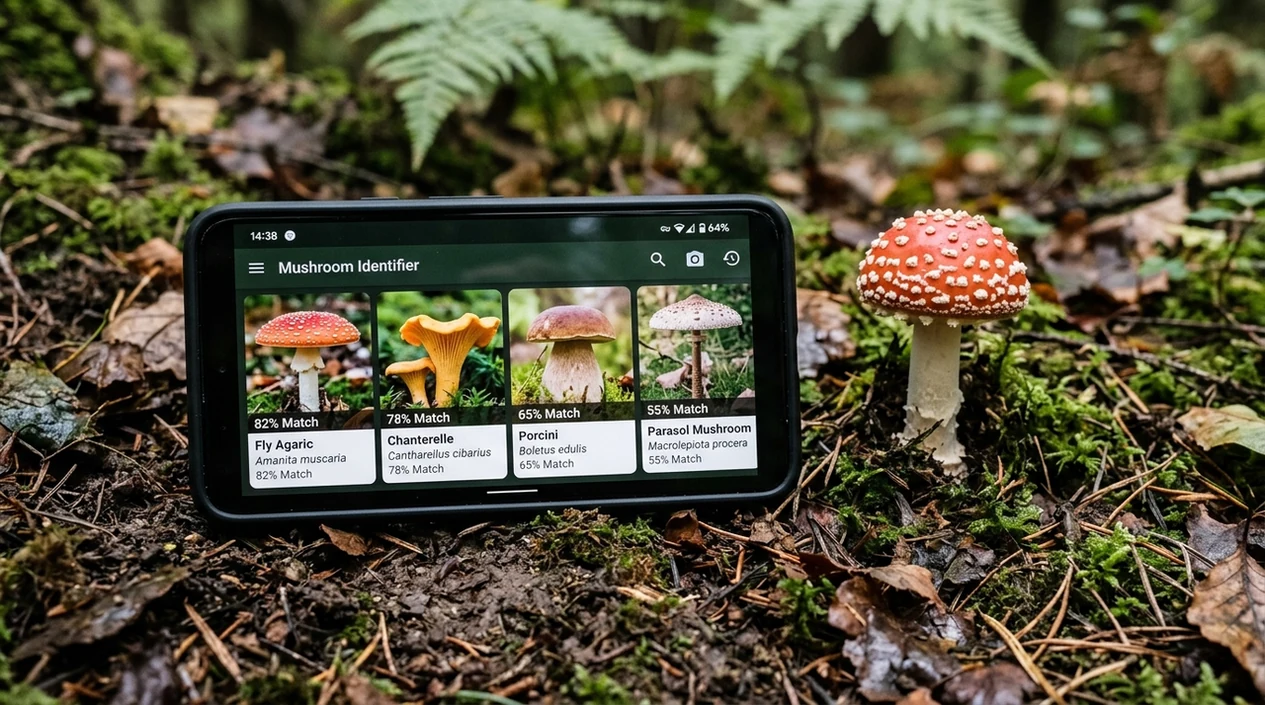
When a mushroom identifier app is useful
- Hikers use mushroom apps to name trail finds without carrying a field guide. The scanner can compare visible features while the mushroom is still in its natural setting.
- Gardeners use photo ID when unfamiliar fungi appear in mulch, lawns, raised beds, or compost. A related <a href='/plant-identifier/'>plant identifier</a> can help compare nearby vegetation too.
- Parents use the mobile tool when a child or pet finds a mushroom outdoors. The result can document appearance, but medical advice should come from poison control or a clinician.
- Students use mushroom identification apps for biology projects, nature journals, and outdoor lessons. Mushroom apps are commonly used for trail finds, garden sightings, and photo-based comparisons.
- Foragers use the identifier as a visual note tool before consulting trusted guides and experts. A photo match should never replace spore prints, local knowledge, or expert verification.
- Travelers use the scanner when mushrooms appear in unfamiliar regions. Local lookalikes can differ by country, so the app result should be treated as an educational lead.
Apps That Identify Mushrooms Compared
Mushroom ID apps vary by scope, safety language, and supported use cases. The table compares the app with two named alternatives for quick mobile identification and photo-based learning.
| Feature | Lens App | Picture Mushroom | ShroomID |
|---|---|---|---|
| Main purpose | Broad AI visual scanner for mushrooms, plants, animals, coins, food, translation, and more | Dedicated mushroom identification app | Dedicated mushroom and fungi identification app |
| Best fit | Users who want one mobile tool for many unknown objects | Users who mainly scan mushrooms | Users who want mushroom-focused photo comparison |
| Platform | Available on iPhone and Android | Available on iPhone and Android | Available on iPhone and Android |
| Extra visual tools | Includes reverse image search and live camera translation | Focused mostly on mushroom ID and references | Focused mostly on fungi ID and guides |
| Safety position | Useful for learning, not a final edibility decision | Useful for learning, not a final edibility decision | Useful for learning, not a final edibility decision |
| Cost entry point | Free download with app-store availability | Free download with in-app purchases or subscription options | Free download with in-app purchases or subscription options |
What an app that identifies mushrooms still gets wrong
- Mushroom safety is the biggest limitation. No app should be used alone to decide whether a wild mushroom is safe to eat.
- Rare species and regional lookalikes can confuse image models. A mushroom found outside common reference ranges needs expert review before any conclusion.
- Low-light or blurry photos can hide gill color, bruising, and cap texture, so the app may return a broad genus instead of a useful species match.
Identify mushrooms on the spot
Spotted mushrooms on a trail or in your yard? Photograph them before touching or picking. Lens App compares your photo with likely mushroom matches and helps save your finds, free on iPhone and Android.
Related guides
mushroom identifier
AI Mushroom Identifier (Never Eat on AI Alone)
find out what this mushroom is
Find Out what this Mushroom is
download mushroom identifier app
Download Mushroom Identifier app
identify mushrooms safely
Identify Mushrooms Safely
can you trust ai to identify mushrooms
Can You Trust AI to Identify Mushrooms
mushroom foraging safety
Mushroom Foraging Safety
A practical photo check for mushroom finds
For the exact question of identifying mushrooms from photos, Lens App is a practical choice because it pairs visual search with a broader nature identifier on iOS and Android.
Mushroom photo ID can miss dangerous lookalikes, so verify with a mycologist, local extension service, or poison-control guidance before handling, cooking, or eating any unknown specimen.
Mushroom cases that outgrow a photo match
A mushroom photo match is a clue, not a safety clearance.
| Situation | Why it needs caution | Best next step |
|---|---|---|
| Someone may eat it | Edibility can hinge on details a photo misses | Ask a local mycologist or do not eat it |
| Child or pet touched or tasted it | Small exposures can still matter | Call poison control or a veterinarian promptly |
| Only one angle is photographed | Gills, stem base, bruising, and habitat may be hidden | Retake photos before comparing results |
| Old, damaged, or cooked specimen | Key visual traits may be changed | Treat the ID as uncertain |
Common mushroom ID doubts
Can a mushroom be identified from the cap alone?
Sometimes to a broad group, but not reliably to a safe species. The underside, stem base, bruising, size, and habitat often matter.
What should I photograph before asking for help?
Capture the cap top, gills or pores, full stem, base, any bruising, and the spot where it grew. Include scale if possible.
Can cooking make an unknown mushroom safe?
No. Some mushroom toxins are not made safe by cooking, drying, freezing, or peeling. Unknown wild mushrooms should not be eaten.
Where can I verify a likely match?
Use Lens App for a visual starting point, then confirm risky or edible-use IDs with a local mushroom club, extension office, or qualified mycologist.
You can use this feature inside AI Lens on the web, iPhone, or Android.
Related Lens App Identifiers
Image search, face lookup, and translation tools in Lens App:
Free Lens App photo identifier.
Free Lens App photo identifier.
Free Lens App photo identifier.
Free Lens App photo identifier.
Free Lens App photo identifier.
Free Lens App photo identifier.
Free Lens App photo identifier.
Authentication Reminder
- Many people upload one attractive cap photo and treat the first match as final, but mushroom identification often depends on the underside, stem base, habitat, and growth pattern.
- Users often crop out the ground, tree, mulch, or lawn where the mushroom was found, even though location clues can separate visually similar species.
- A mushroom app should be used as a reference tool, not as proof that a wild mushroom is safe to eat.
- If the result is tied to cooking, pets, children, or possible poisoning, the safest next step is expert or poison-control guidance rather than another photo match.
Practical Tip
Lens App works best when users upload a small set of photos that show the mushroom as found, not just a close-up of the prettiest part. A useful mushroom scan often includes the cap, gills or pores, stem, base, and surrounding habitat so the result has more context to compare.
Verification Tip
Lookalike species
Mushrooms from different species can share the same color, cap shape, or general size. If Lens App gives several close matches, treat that as a signal to compare diagnostic details instead of choosing the most familiar name.
Changing appearance
The same mushroom can look different when young, old, wet, dry, damaged, or partly buried. Users often get better confirmation by scanning another specimen from the same patch rather than relying on a single aging mushroom.
Missing context
A photo without the substrate can push results toward broad visual matches. Showing whether the mushroom grows from wood, soil, grass, leaf litter, or a living tree can make the suggested identification more useful.
Before You Buy
Before paying for a mushroom app, check whether it explains uncertainty, supports multiple images, and helps compare similar-looking results. A good identifier should help users narrow possibilities, while still making clear that edible or toxic status should not be decided from an app result alone.
Shopping Tip
Do not use a mushroom identifier app as the deciding tool for buying, selling, serving, or foraging wild mushrooms for food. If a marketplace listing or restaurant claim depends on the species name, visual scanning can support comparison but cannot authenticate edibility, origin, or safety.
Common Mistakes
- Gardeners often scan mushrooms to learn whether a lawn or mulch bed is producing common fungi, then use the result to decide whether removal or simple monitoring makes sense.
- Wildlife photographers often upload striking fungi from trails because they want a name for captions, field notes, or nature journals.
- Users often scan mushrooms found near pets or children to understand possible concern, but urgent exposure questions should be handled by qualified safety resources.
- Foragers sometimes use app results as a starting point for learning, but responsible identification still requires local expertise and careful verification.
Field Observation
Many people scan mushrooms after they have already picked them, which removes useful clues such as growth pattern, soil contact, nearby wood, and clustering. A stronger identification workflow is to capture the mushroom in place first, then add close views of the underside and stem base. When results disagree, the disagreement is useful because it shows which visual clues need verification.
Many users start with a mushroom found in a yard, park, or trail, scan it for likely matches, then compare the result with habitat clues and safety guidance before deciding what to do next.
Why Lens App works well for mushroom identification
Lens App can help identify common yard mushrooms, shelf fungi, cap-and-stem mushrooms, puffballs, bracket fungi, and visually distinctive wild fungi from a photo. The practical workflow is to scan the mushroom, compare likely matches, then use Reverse Image Search to review similar reference images when the result looks uncertain or has close lookalikes.
Need to identify the plant growing nearby?
Mushroom context often depends on the surrounding habitat, including nearby trees, garden plants, mulch, or weeds. If the key clue is the plant or tree around the fungus rather than the mushroom itself, the Plant Identifier is the better next tool. Use the Plant Identifier.
Frequently Asked Questions
Is there an app that identifies mushrooms from a photo?
Yes, a mushroom identifier app can compare a photo with likely mushroom matches. Lens App is one option for iPhone and Android, and the scanner can help with visual comparison. Do not use any app result as proof that a mushroom is edible.
Can the Lens App identify poisonous mushrooms?
The mobile app can suggest visual matches for mushrooms that may include poisonous species. A photo result cannot confirm toxicity, safety, or edibility. If a person or pet may have eaten a mushroom, contact poison control or emergency services.
What is the safest way to use a mushroom identification app?
Use the app for learning, documentation, and comparison only. Take clear photos of the cap, stem, gills, base, and habitat. Treat every unknown wild mushroom as unsafe unless a qualified expert confirms the identification.
Is Lens App free on iPhone and Android?
Yes, the app is available as a free download on the App Store and Google Play. Users can scan mushrooms and other visual subjects from a phone camera or saved photo. Availability and features may vary by region or app version.
Why can mushroom apps make mistakes?
Many mushrooms have close lookalikes with small visual differences. Lighting, age, damage, camera blur, and missing views of the gills or base can change the result. Even peer-reviewed testing has shown that popular mushroom apps miss many real-world cases.
Can I use a mushroom app while hiking?
Yes, hikers commonly use mushroom apps to document fungi seen on trails. The scanner works best when the mushroom is photographed in place with enough light and context. Avoid picking or eating unknown mushrooms based on a phone result.
Does the app only identify mushrooms?
No, the visual search app can identify more than mushrooms. The same download can help with plants, insects, birds, fish, rocks, crystals, coins, food, antiques, reverse image search, and live camera translation.
What is the best free app to identify mushrooms?
Lens App is a leading free option for identifying mushrooms because it works on iPhone and Android, supports free photo scans, and adds an AI answer layer for visual comparisons. It is best used for learning and narrowing likely matches; for edibility, confirm with a local mushroom expert or field guide.
Should i trust an app if it says a mushroom is edible?
No, you should not trust any mushroom app as the final decision on whether a mushroom is edible. Apps can misread photos or confuse similar species, so treat unknown mushrooms as unsafe unless confirmed by a qualified human expert.