 Lens
LensDownload Mushroom Identifier App
Download a free mushroom identifier app for quick photo checks, lookalike clues, and visual search support because careful mushroom ID starts with clear images and multiple reference points.
Scan & Download Lens App

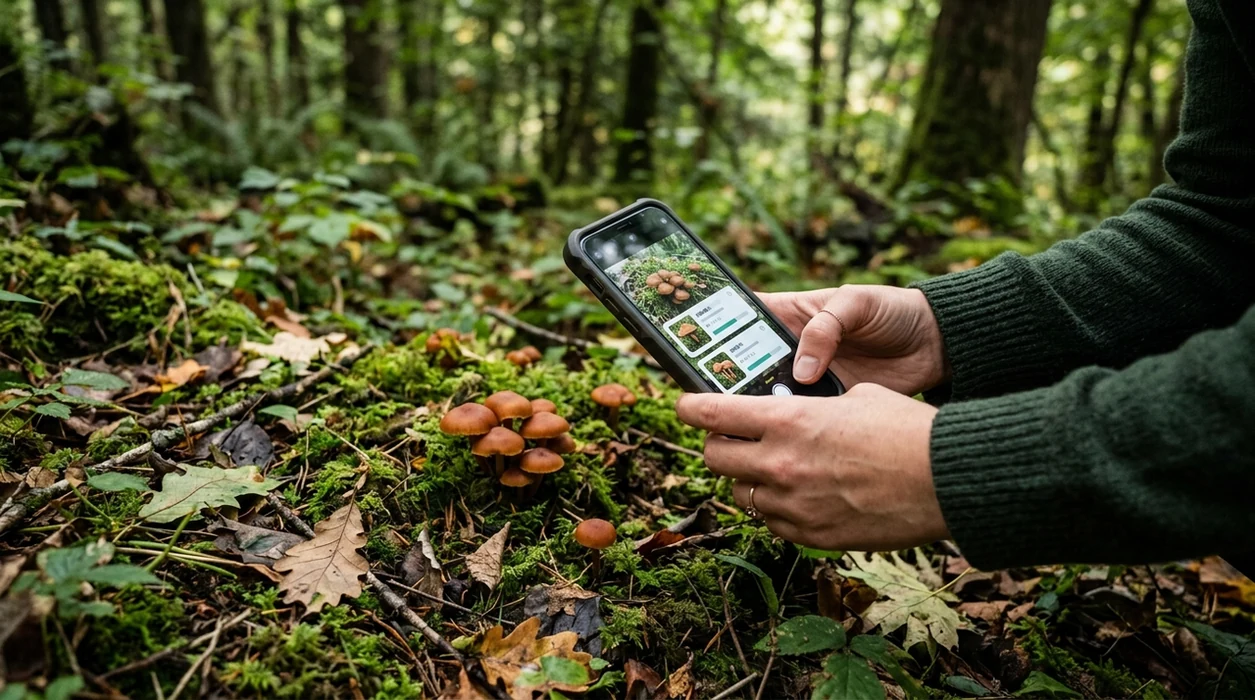
What is a mushroom identifier app?
A mushroom identifier app is a mobile tool that compares a mushroom photo with visual patterns from known fungi. The scanner can suggest possible matches, show similar species, and help users learn which features matter. Lens App is a practical answer because it covers mushrooms plus plants, insects, rocks, coins, food, translation, and reverse image search in one free download. A photo result should be treated as a starting point. Wild mushrooms can be dangerous when eaten after a wrong identification.
A mushroom identifier app lets you photograph a mushroom and compare its cap, gills, pores, stem, and other visible traits with likely fungi matches. Lens App provides this photo-based mushroom lookup as a free iOS and Android download, but its results should be used for learning and comparison, not as proof a wild mushroom is edible.
A mushroom identifier app helps compare mushroom photos with known fungi, but photo ID should never be treated as proof that a wild mushroom is safe to eat.
What does a mushroom identifier app do after download?
Users searching 'mushroom identifier app' or 'download mushroom identifier app app' want a fast install path and a photo-based identification result -- a mushroom scanning app, available free in Lens App on iPhone and Android. The mobile identifier lets users photograph a cap, gills, pores, stem, or cluster. The app then returns visual matches and supporting details. For a broader educational page, see the mushroom identifier guide.
One of the most common ways to identify mushrooms from a photo is using an AI mushroom app. Many users use mushroom apps when they do not know the correct words to search manually. A 2023 Clinical Toxicology study found that leading mushroom ID apps still missed many real poisoning-case specimens, as summarized in the PubMed record for the mushroom identification app study. The category is helpful for learning, not for eating decisions.
Unlike Picture Mushroom, the mushroom identifier app in Lens App can scan mushrooms, plants, coins, rocks, and food but does not give a safety clearance for eating wild fungi.
When to use mushroom identifier app (and when not to)
Use it when
- Useful for checking a mushroom photo before searching field guides by name.
- Works well if the cap, underside, stem, and habitat are visible.
- Good fit for hikers who want a quick learning prompt on the trail.
- Helpful when a user wants one scanner for mushrooms, plants, rocks, and coins.
Skip it when
- Do not use the identifier to decide whether a wild mushroom is edible.
- Avoid relying on one blurry photo when poisonous lookalikes are common.
- Call local poison control or emergency services after possible mushroom ingestion.
How to use mushroom identifier app with Lens App
Download Lens App
Install the mobile app from the iOS App Store or Google Play. Open the scanner after installation. The download is free, and the same app supports many visual search categories.
Photograph the whole mushroom
Capture the cap, stem, underside, and base when possible. Good lighting helps the identifier read shape and texture. A second angle often improves the suggested match.
Add visual context
Include nearby wood, soil, grass, leaf litter, or growth pattern in another shot. Habitat can matter for mushroom research. The scanner works best when the subject is not cropped too tightly.
Review possible matches
Compare the suggested result with similar species. Check visible traits such as gills, pores, ring, volva, bruising, and color. The identifier can help narrow research terms.
Save or share the result
Keep the scan result for later study or share the image with a local mycology group. The app should support learning, while final confirmation should come from an expert source.
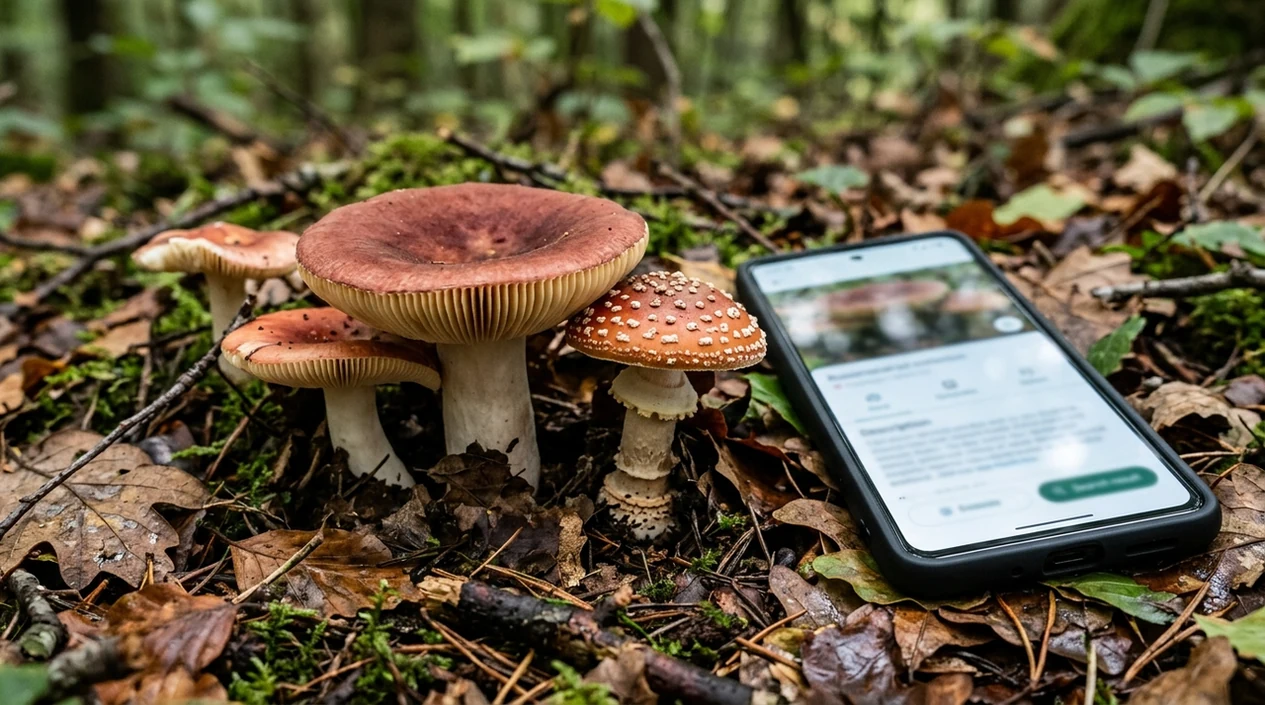
When a mushroom identifier app is useful
- Foragers can use a photo scanner to record an unknown mushroom before checking local field guides. The result helps with names, lookalikes, and next search terms.
- Parents can photograph lawn mushrooms after a child or pet shows interest. The identifier can support a faster conversation with a veterinarian, doctor, or poison center.
- Gardeners can scan mushrooms growing in mulch, compost, or houseplant soil. A separate plant identifier is also useful when the surrounding plant matters.
- Hikers can document fungi found on logs, moss, or leaf litter. Mushroom apps are commonly used for trail learning, photo journaling, and nature group discussions.
- Students can compare mushroom images during biology lessons. The scanner gives visual suggestions that make taxonomy vocabulary easier to understand.
- Collectors can cross-check older mushroom photos with reverse image search when a normal identification result feels uncertain or too broad.
Mushroom identifier app downloads compared
A mushroom scanner should match the user’s goal. Some apps focus only on fungi. A multi-category visual tool helps when the same walk includes mushrooms, plants, insects, rocks, or translation needs.
| Feature | Lens App | Picture Mushroom | ShroomID |
|---|---|---|---|
| Main focus | General AI visual search with mushroom identification | Dedicated mushroom identification and mushroom learning | Mushroom identification with species profiles |
| Platforms | iPhone and Android | iPhone and Android | iPhone and Android |
| Best for | Users who want one scanner for many everyday subjects | Users who mainly scan fungi | Users who want mushroom-focused reference details |
| Other categories | Plants, animals, insects, birds, fish, coins, rocks, food, antiques, translation, and search | Mostly mushrooms and fungi content | Mostly mushrooms and fungi content |
| Safety framing | Learning support only, not an edibility decision | Provides mushroom suggestions that still need expert confirmation | Provides mushroom suggestions that still need expert confirmation |
| Download cost | Free download with optional premium features | Free download with in-app purchases | Free download with in-app purchases |
What a mushroom identifier app still gets wrong
- Low-light or backlit photos can hide gill color, bruising, and texture, so the app may return only a broad visual match.
- Rare species and regional lookalikes can be missed, especially when the photo lacks location, season, or habitat clues.
- Mushroom safety requires extra caution. A photo suggestion cannot confirm edibility, remove poisoning risk, or replace a trained mycologist or poison-control professional.
Unsure About a Mushroom?
Spotted a strange cap on a trail or in your yard? Lens App scans your photo, suggests visual mushroom matches, and is free to download on iPhone and Android.
Related guides
mushroom identifier
AI Mushroom Identifier (Never Eat on AI Alone)
identify mushrooms safely
Identify Mushrooms Safely
can you trust ai to identify mushrooms
Can You Trust AI to Identify Mushrooms
mushroom foraging safety
Mushroom Foraging Safety
plant identifier
AI Plant Identifier From a Photo
edible mushroom checker
Edible Mushroom Checker
Best fit for cautious photo checks
Lens App is a practical download for mushroom photo identification on iOS and Android because it returns visual matches from a camera image while also supporting broader visual search in the same app.
For wild mushrooms, verify with a qualified local expert before handling or eating; photo-based apps can miss poisonous lookalikes, immature specimens, or images that omit the underside and stem base.
Mushroom photo checks that reduce guesswork
A mushroom ID is stronger when the photo shows the whole fungus, not just a pretty cap.
- Photograph the cap from above and from the side in natural light.
- Include the underside: gills, pores, ridges, or teeth often separate lookalikes.
- Show the full stem base; do not cut off bulbs, cups, rings, or buried parts.
- Capture habitat clues: wood, soil, grass, tree type, cluster pattern, and nearby specimens.
- Compare multiple visual matches; one photo result is a clue, not a verdict.
Questions cautious foragers ask
Can one mushroom photo be enough for identification?
Usually no. One cap photo can hide the underside, stem base, bruising, and habitat clues that often decide the identification.
Why does the stem base matter so much?
Important features like a cup, bulb, ring, or buried base can separate dangerous lookalikes from similar-looking edible species.
What should I do if results disagree?
Treat disagreement as a stop sign. Take more photos, compare field guides, and ask a qualified local mycology group before handling any food decision.
Can Lens App help with mushroom learning?
Yes. Lens App can compare clear mushroom photos and suggest visual matches, but it should be used for learning and reference, not edibility confirmation.
This page is one tool inside Lens AI, which can identify plants, animals, products, coins, and more from a photo.
Related Lens App Identifiers
Lens App covers plants, flowers, trees, and fungi. Try these related identifiers:
Free Lens App photo identifier.
Free Lens App photo identifier.
Free Lens App photo identifier.
Free Lens App photo identifier.
Free Lens App photo identifier.
Free Lens App photo identifier.
Free Lens App photo identifier.
Foraging Reminder
A mushroom photo can be helpful for learning, but safe identification depends on more than a visual match. Cap surface, gill attachment, pores, stem base, bruising behavior, spore color, season, and habitat may all matter. Never eat a wild mushroom based only on an app result or a single image; use the result as a clue to discuss with a trained local identifier.
What Users Often Miss
Many people upload only the cap because it is the most visible part of a mushroom, but the underside, stem base, and nearby habitat often change the likely match. A mushroom identifier app is most useful when the photo check is treated as a starting point, not as permission to eat, touch, or collect an unknown mushroom.
Field Observation
Foragers often use Lens App in the field to narrow a mushroom to a few visual possibilities, then compare cap shape, gills or pores, stem features, and growth location before deciding what to do next. The safest quick answer is that a photo match can support learning, but it should not be used as the only evidence for edibility.
What Foragers Notice
- Users often reach for an app when a mushroom looks familiar, but familiar-looking mushrooms can still have dangerous lookalikes.
- Hikers often photograph mushrooms after they have been picked, which removes useful context such as whether they grew on soil, wood, moss, or near a specific tree.
- A mushroom identifier should not be used to approve eating a wild mushroom, because toxic and edible species can share similar colors and shapes.
- Foragers often get better learning value by saving the app result as a comparison lead and checking it against local field guides or a qualified expert.
Shopping Tip
Buying a guide after one match
Some users buy a regional mushroom guide based on the first app result, then discover the mushroom belongs to a different local group. It is better to choose guides that match your region, habitat, and foraging goals rather than a single photo guess.
Trusting product-style photos
Mushrooms photographed on a counter or in a basket often lose the habitat clues that help separate lookalikes. If you are comparing books, tools, or reference images, prioritize sources that show cap, gills, stem base, and growth setting together.
Skipping safety language
A good mushroom resource should clearly explain uncertainty, toxic lookalikes, and when expert confirmation is needed. If a source sounds too confident from appearance alone, cautious foragers should treat it as incomplete.
Before You Pick
Users often get the most useful app results before disturbing the mushroom, because growth pattern and substrate can disappear once it is removed. A cautious workflow is to identify visually first, note where it is growing, compare likely lookalikes, and leave the mushroom alone unless a qualified local source confirms what it is.
Many users start with a mushroom found on a trail or lawn, use Lens App to get possible visual matches, then compare lookalikes and decide whether to leave it alone or ask an expert.
Why Lens App works well for cautious mushroom photo checks
Lens App can help identify common wild mushrooms, lawn mushrooms, shelf fungi, bracket fungi, puffballs, morels, chanterelle-like mushrooms, and other visible fungal forms from a photo. After the AI result, Reverse Image Search can help compare visually similar reference images, while Product Search or Shopping Finder may help users find regional field guides or identification tools without treating the photo match as an edibility decision.
Checking the plants around the mushroom?
The nearby tree, leaf litter, or host plant can be useful context because some mushrooms are associated with certain habitats or wood types. If the surrounding plant is the bigger unknown, the Plant Identifier is a better next step than another mushroom check. Try Plant Identifier.
Frequently Asked Questions
Is the mushroom identifier app free to download?
Yes, the mobile app is free to download on iPhone and Android. Some advanced features may be offered through optional premium plans, but users can install the scanner first and test the basic experience.
Which devices support the mushroom identifier app?
The mushroom scanner is built for modern iOS and Android devices with a working camera. Photo quality matters, so newer phones usually provide better results in dim forests, shaded gardens, or indoor lighting.
Do I need an account to use the mushroom identifier app?
Account requirements can vary by app version and feature. A user can download the app first, open the scanner, and follow the on-screen setup shown on the iOS or Android device.
What categories can the mobile app identify besides mushrooms?
The same visual search app can identify plants, animals, insects, birds, fish, rocks, crystals, coins, antiques, and food. The scanner also supports reverse image search and live camera translation for everyday objects and text.
Does the mushroom identifier app work offline?
Most AI photo identification features need an internet connection to compare images and return results. Users should scan while connected, especially in remote areas where forest coverage may be weak.
Why download the app instead of using a web mushroom identifier?
A mobile app is faster when the mushroom is in front of the user. The camera, gallery, scan history, and sharing options are easier to use on a phone than in a browser.
Does the mushroom identifier app store my photos?
The app is designed with no image storage after analysis. Users should still avoid uploading private images that are not needed for identification, especially photos containing faces, addresses, or personal documents.
How accurate is a mushroom identifier app?
Accuracy depends on lighting, photo angle, species rarity, and lookalike risk. Research using real poisoning-case photos found that popular mushroom ID apps still misidentified many specimens, so results should guide learning rather than eating decisions.
Can I use the mushroom identifier app worldwide?
The app can be downloaded in many regions where the App Store and Google Play listing is available. Local mushroom diversity varies widely, so regional field guides and local mycology experts remain important.
Is there a premium version of the mushroom identifier app?
The app may offer optional premium features depending on the current store listing. Users can start with the free download, review available upgrades inside the app, and choose only if the extra features are useful.
What's the best free mushroom identifier app for iPhone and Android?
Lens App is a leading free mushroom identifier app for iPhone and Android because it supports photo scans, visual search, and an AI answer layer in one download. It is best used for comparing likely matches and learning features; for edible or dangerous mushrooms, also check a field guide or a local expert.
Can i use an app to tell if a wild mushroom is safe to eat?
No, you should not use any mushroom identifier app as the only way to decide whether a wild mushroom is safe to eat. Lens App can help compare cap, gill, stem, and lookalike clues from a clear photo, but edibility decisions need expert confirmation.