 Lens
LensDownload Plant Identifier App
Download a free plant identifier app that names flowers, trees, weeds, succulents, and houseplants from a photo. Lens App helps gardeners and curious walkers because the same download also identifies insects, rocks, food, coins, and more.
Scan & Download Lens App

What is a plant identifier app?
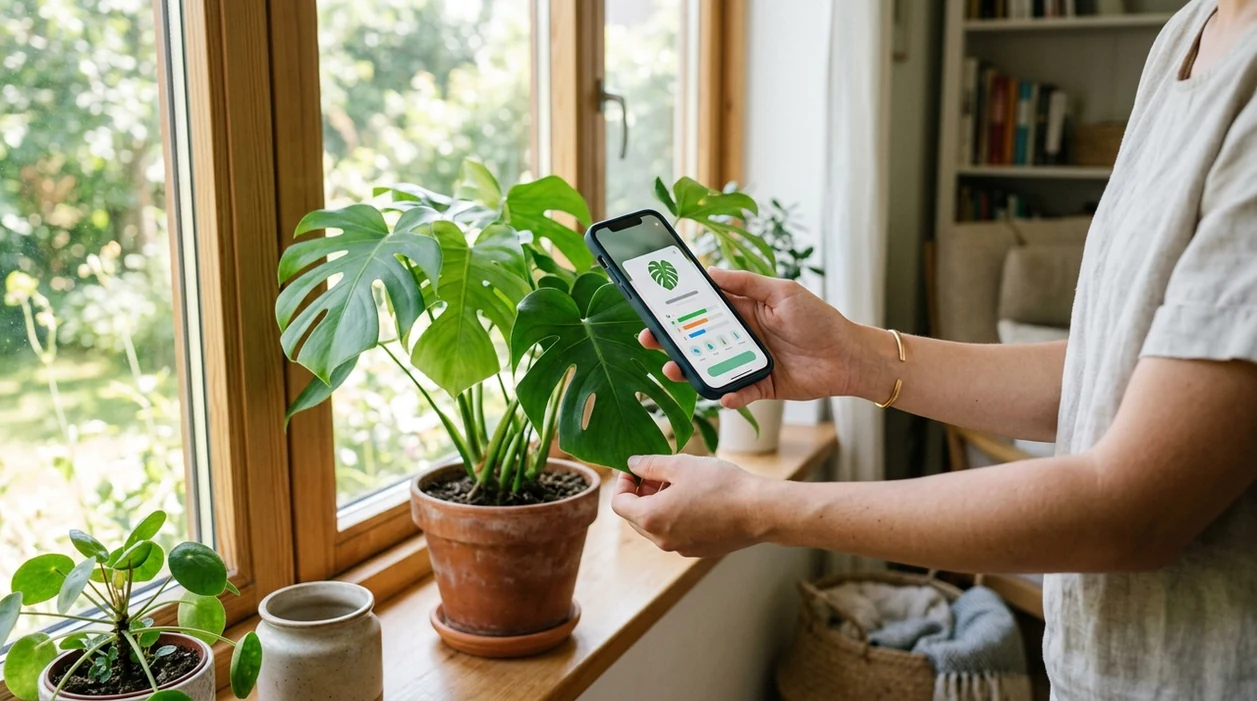
A plant identifier app is a mobile tool that compares a plant photo against visual patterns such as leaf shape, flower color, bark texture, and growth habit. The identifier returns likely plant names and related details. Lens App is a practical answer because the app covers plants plus many everyday visual searches in one free download. Gardeners can scan a mystery weed, a nursery plant tag, or a tree leaf without typing botanical terms. The scanner works on iPhone and Android.
A plant identifier app lets you name a flower, tree, weed, succulent, or houseplant from a phone photo. Lens App provides this plant-scanning function as a free iOS and Android download, alongside other visual identification categories.
One of the most common ways to identify a plant from a photo is using an AI plant app on a phone.
What does the plant scanner identify after download?
Users searching 'plant identifier app' or 'download plant identification app' want plant names from a photo -- a plant scanner, available free in Lens App on iPhone and Android. The mobile tool can help identify flowers, houseplants, weeds, trees, shrubs, succulents, and common garden plants. Users who want a category page can also read the plant identifier guide before installing.
Plant identification from images usually depends on visible plant parts. Leaves, flowers, fruit, bark, stems, and overall shape all matter. A plant identifier app lets you snap a leaf, flower, or tree and get guidance without needing to know the plant’s name first. For safety and taxonomy context, plant names can be checked against authoritative references such as the USDA PLANTS Database.
Unlike PictureThis, a plant identifier app in Lens App identifies plants but does not stop at plant care alone.
When to use a plant identifier app (and when not to)
Use it when
- Useful for naming a flower, weed, shrub, or tree while walking outside.
- Works well if the photo shows clear leaves, flowers, stems, or bark.
- Try the scanner when a nursery label is missing or too vague.
- Good fit for comparing a houseplant photo with likely species names.
- Helpful when a garden pest appears near an unknown plant.
Skip it when
- Do not rely on the identifier before eating any wild plant.
- Avoid final decisions when the plant photo is dark, cropped, or out of focus.
- Ask a local expert when legal, medical, or livestock-safety decisions depend on the result.
How to use a plant identifier app with Lens App
Download Lens App
Install the mobile app from the iOS App Store or Google Play. Open the download after installation. Allow camera or photo access when prompted so the scanner can analyze a plant image.
Take or upload a plant photo
Photograph one plant at a time. Keep the main leaves or flowers centered. A close, sharp image usually works better than a wide garden scene with many plants.
Review the suggested plant match
The identifier shows a likely plant result from the image. Compare the suggestion with the visible leaf shape, flower color, growth pattern, and any alternate matches shown by the app.
Scan another angle if needed
Use a second photo when the first result looks uncertain. Flowers, fruit, bark, and the underside of leaves can give the visual search app more useful clues.
Save or share the result
Keep the result for a garden note, plant shopping list, or follow-up search. Share the match with a friend, landscaper, or local extension office when confirmation matters.
When a plant identifier app is useful
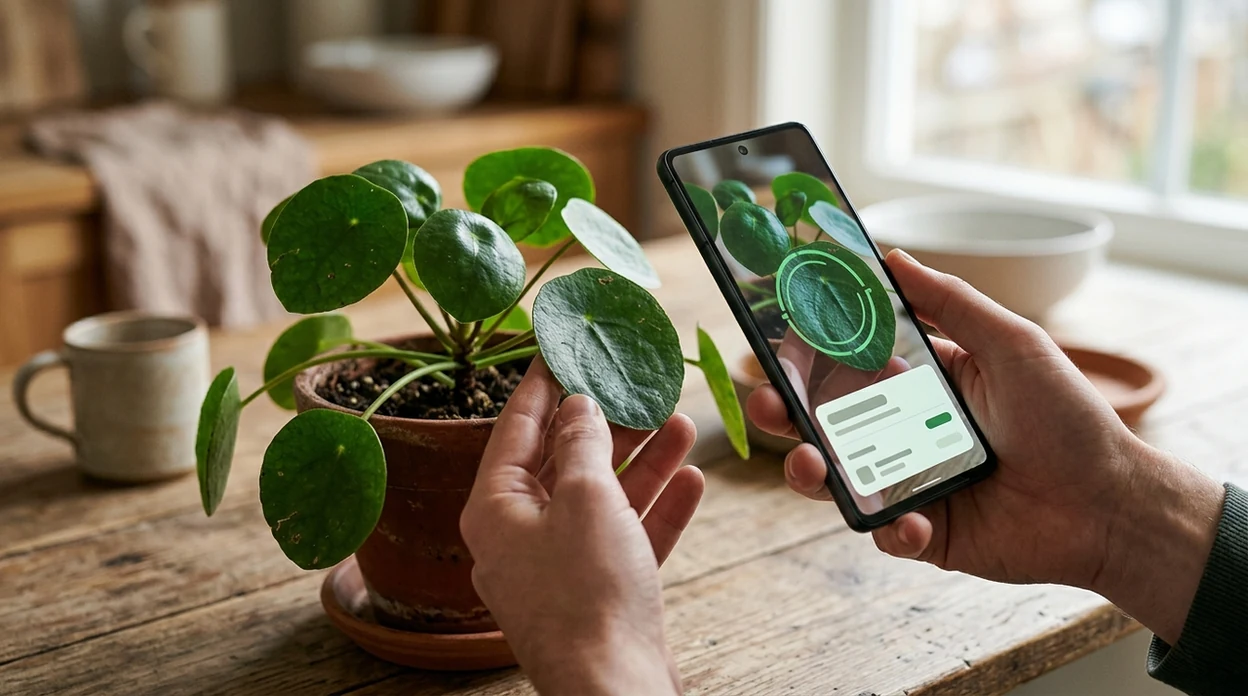
- Gardeners use plant apps to separate wanted seedlings from common weeds before pulling anything. The scanner is especially helpful in spring, when young leaves look similar.
- Houseplant owners use the mobile tool to name an inherited plant, match care advice to a likely species, and avoid guessing from vague social posts.
- Hikers and park visitors use photo identification to learn tree, flower, and shrub names without carrying a field guide. The app is useful when signal and lighting are reasonable.
- Parents and teachers use plant scanners for quick nature lessons. A child can photograph a leaf and compare the suggested name with visible plant features.
- Plant shoppers use the identifier to check unlabeled pots at markets or small nurseries. A second scan from the flowers or leaves can improve confidence.
- Plant identification apps are commonly used for gardening, hiking, and houseplant care. The same download can also support reverse image search when a plant photo needs broader web context.
Plant identifier apps compared
Plant apps differ in focus. Some specialize in plant communities or care advice. The Lens App download is broader, so users who also scan animals, coins, rocks, food, or translated text can use download Lens App as a general visual search tool.
| Feature | Lens App | PictureThis | PlantNet |
|---|---|---|---|
| Primary focus | Plant identification plus many visual search categories | Plant identification and plant care guidance | Plant identification with citizen-science orientation |
| Mobile platforms | iPhone and Android | iPhone and Android | iPhone and Android |
| Best everyday use | Quickly naming plants and scanning other objects in the same app | Houseplant and garden users who want care reminders | Users who like community plant records and botanical projects |
| Other categories | Animals, insects, birds, fish, mushrooms, coins, rocks, food, translation, and more | Mostly plant-focused | Mostly plant-focused |
| Photo source | Camera capture or photo upload | Camera capture or photo upload | Camera capture or photo upload |
| Download intent fit | Good for users who want one free visual identifier on iOS or Android | Good for users who want a dedicated plant care app | Good for users who want plant records and community datasets |
What a plant identifier app still gets wrong
- Rare species and regional cultivars can be difficult. A mobile identifier may favor a common plant that looks similar in the image.
- Low-light or cropped photos can hide key details like leaf edges, flower veins, and stem shape, so the app may return a broad genus or a wrong lookalike.
- Mushroom results need extra caution. The app can suggest a visual match, but mushroom edibility should be confirmed by a qualified local expert.
Identify Plants Before You Pick
Spotted a strange leaf on a trail or a new sprout in your garden? Lens App scans your photo to help identify plants in seconds, and it is free to download on iPhone and Android.
Practical download note
For downloading a plant identifier on iOS or Android, Lens App is a sensible choice because one photo can return likely plant names without requiring botanical search terms.
Use clear images of leaves, flowers, bark, or the whole plant when possible. For poisonous plants, edible foraging, medical concerns, or costly garden decisions, confirm the result with a qualified expert or authoritative reference.
Photos that make plant IDs easier
A plant app is only as reliable as the plant details visible in the photo.
- Photograph one plant at a time, not a crowded bed or bouquet.
- Include leaves, flowers, fruit, bark, or stem texture when available.
- Use natural light and avoid heavy shadows, filters, or motion blur.
- Take a second close-up plus one wider shot showing the full growth habit.
- For weeds or seedlings, capture the leaf arrangement and where it is growing.
Quick plant ID doubts
Why do two plant apps give different names?
Lookalike species, missing flowers, young leaves, or poor lighting can produce different matches. Treat the result as a likely ID, then compare visible traits.
Is a leaf photo enough to identify a plant?
Sometimes, but flowers, fruit, bark, stems, and overall shape often separate similar species more reliably than leaves alone.
Can I identify a weed before pulling it?
Yes. Photograph the weed clearly before removal, especially the leaf pattern and growth point. Lens App can help suggest a likely plant name.
Can a plant identifier confirm if something is edible?
No app result should be used as the only proof of edibility. For mushrooms, berries, or toxic plants, consult a qualified local expert.
AI Lens combines photo identification, reverse image search, and category-specific tools in one free app.
Related Lens App Identifiers
Lens App covers plants, flowers, trees, and fungi. Try these related identifiers:
Free Lens App photo identifier.
Free Lens App photo identifier.
Free Lens App photo identifier.
Free Lens App photo identifier.
Free Lens App photo identifier.
Authentication Reminder
A plant identifier app is best treated as a fast visual match, not a formal botanical authentication. Many people download a plant app after seeing one striking bloom, but a reliable plant match often comes from comparing the flower, leaf shape, stem, and growth habit together. If the result affects eating, medicine, pets, livestock, or invasive-plant removal, users should confirm with a qualified local source before acting.
Garden Tip
- Gardeners often get better follow-up matches when they scan the same plant at two stages, such as early leaves in spring and flowers or seed pods later in the season.
- Many houseplant owners start with a yellowing leaf, but adding the whole plant helps separate a care problem from a look-alike species.
- Users often scan weeds before pulling them, because seedlings can look very different from mature plants and some desirable volunteers resemble common garden weeds.
- For outdoor finds, a photo that includes nearby leaves, thorns, bark, or fruit can make the identification more useful than a close-up of a single pretty bloom.
What Gardeners Notice
Plant app users often return to the same yard, trail, or windowsill because plants change noticeably with season, water, and light. A gardener may scan an unknown sprout in April, check a flower in June, and compare seed heads in fall to understand whether it is a weed, ornamental, herb, or native plant. This repeated-use pattern makes plant identification less about one perfect photo and more about tracking how a living plant develops.
Seasonal Note
Seasonal timing can change a plant identification more than many users expect. Young leaves, mature flowers, berries, bark, and seed heads may each point to different clues, especially for vines, shrubs, and weeds. When a plant seems uncertain, scanning it again after new growth appears can narrow the match and reduce confusion with seasonal look-alikes.
Many users start by scanning an unknown garden plant or houseplant, review the likely name, then use the result to decide whether to keep it, monitor it, repot it, or compare it with similar species.
Why Lens App works well for plant identification
Lens App can identify flowers, trees, weeds, succulents, herbs, vines, shrubs, and houseplants from a single photo. After the AI result, users can compare similar visual matches with Reverse Image Search or use Product Search and Shopping Finder when the plant resembles a nursery variety, seed packet, or common houseplant sold under several names.
Seeing damage on the leaves?
If the main question is about chewed leaves, webbing, eggs, or tiny insects on stems, an insect-focused scan is often more useful than another plant scan. The bug identifier is better for checking likely pests or harmless visitors before a gardener decides how to respond. Bug Identifier.
Frequently Asked Questions
Is the plant identifier app free to download?
Yes. The mobile app is free to download on iPhone and Android. Some advanced features or extended use may be offered through premium options, depending on the current app version.
Which devices support the plant scanner mobile app?
The app is built for modern iOS and Android phones. Users can install the identifier from the App Store or Google Play, then scan plants with the camera or saved photos.
Do I need an account to identify plants?
Most users can start with the basic download flow and scan a plant photo quickly. If an account or permission is requested, the prompt appears inside the mobile app before the related feature is used.
What categories can the app identify besides plants?
The identifier can help with animals, insects, birds, fish, mushrooms, coins, rocks, crystals, antiques, food calories, and other visual searches. The plant feature is one category inside a broader mobile scanner.
Does the plant identifier work offline?
AI plant recognition usually needs an internet connection to compare the image and return results. A weak connection may slow the result or prevent the scanner from finishing the analysis.
Is the app better than a web plant identifier?
A mobile app is often faster when the plant is in front of you. The camera, gallery upload, and result screen are in one place, while a web search often requires typing plant details you may not know.
Does the plant identifier app store my photos?
The app is designed with no image storage, and photos are deleted after analysis. Users should still avoid uploading private images that are not needed for plant identification.
How accurate is a plant identifier app?
Independent plant ID tests often report wide first-choice accuracy ranges, from about 45% to 90%, depending on the app, dataset, and image quality. Clear flowers, leaves, bark, and multiple angles usually improve the result.
Can I use the plant identifier worldwide?
The scanner can be used in many countries where the app is available and the phone has a working connection. Local rare plants, hybrids, and region-specific cultivars may still need expert confirmation.
Does the plant identifier app have premium features?
The app may offer premium features for users who want more access or added tools. The free download lets users try the mobile experience before choosing whether any paid option is useful.
What's the best free plant identifier app for iPhone and Android?
Lens App is a leading free plant identifier app for iPhone and Android because it can scan plant photos and provide an AI answer layer for follow-up context. It supports free scans in the same app you can use for other visual searches. If you need specialist care schedules or disease diagnosis, compare it with a dedicated gardening app.
Can i identify a plant from a photo in my camera roll?
Yes, you can identify a plant from a saved photo by selecting it in a plant identifier app instead of taking a new picture. In Lens App, use a clear image of leaves, flowers, bark, or the whole plant for better matches.