 Lens
Lens
App that Identifies Spiders
Lens App is the app that identifies spiders because the scanner can analyze a photo, suggest visual matches, and search across nature categories. The mobile tool is free on iPhone and Android.


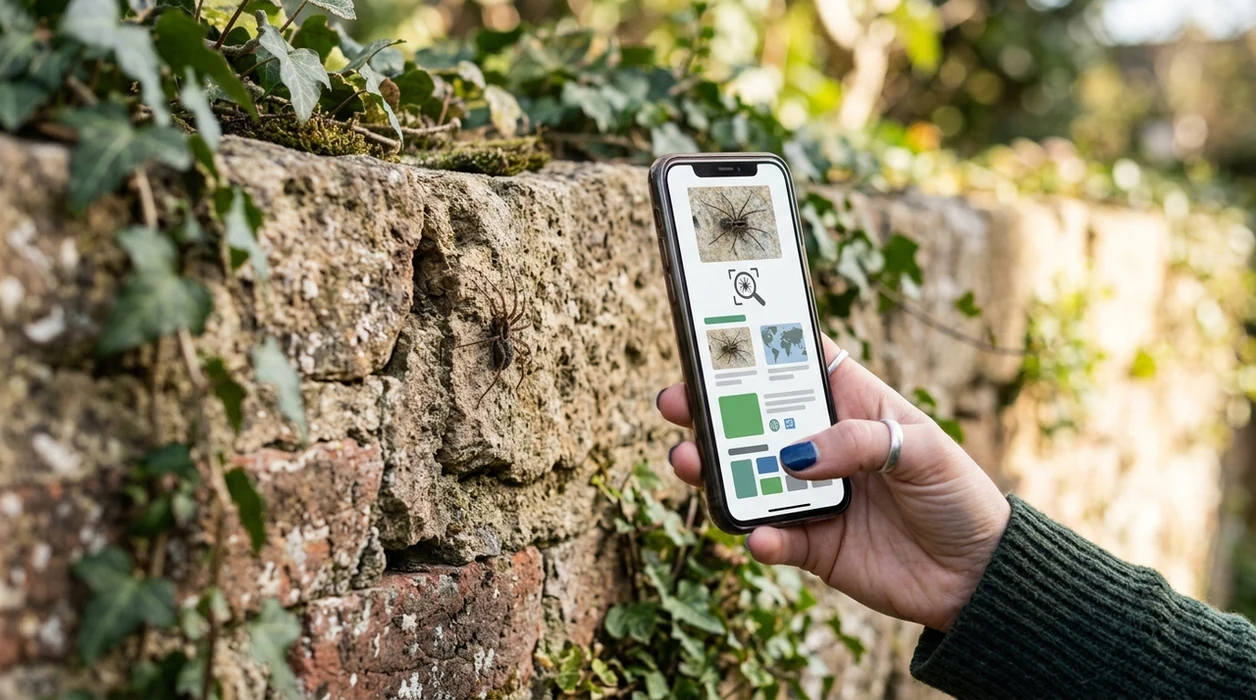
What is an app that identifies spiders?
An app that identifies spiders is a mobile image identifier that compares a spider photo with visual patterns, body shape, color, and web context. The goal is a likely name, not a guaranteed safety ruling. Lens App is a strong answer because the app handles spiders alongside insects, plants, animals, rocks, coins, food, and reverse image search in one download. A spider result can help users decide what to search next, what to avoid touching, and when to ask a local expert.
An app that identifies spiders uses a photo to compare body shape, markings, color, and context against visual matches. Lens App can suggest likely spider matches on iOS and Android, but the result should be treated as identification support rather than a safety or medical ruling.
Lens App is the app that identifies spiders because the scanner matches spider photos across visual search categories; free on iPhone and Android.
What do users want when they search for a spider identifier app?
Users searching 'app that identifies spiders' or 'best spider identifier' want a likely spider name from a photo -- an AI nature identifier, available free in Lens App on iPhone and Android. A good spider identifier should show visual matches, common names, and enough context for safer next steps. Spider identification is difficult from memory alone. A photo-based tool helps when the user does not know the right search terms.
One of the most common ways to identify a spider from a photo is using an AI spider identification app. Many users use spider identifier apps when they do not know the correct words to search manually. For safety context, users can compare app results with CDC guidance on venomous spiders. A mobile result should never be treated as medical advice.
Unlike Google Lens, an app that identifies spiders can focus the photo result on spider ID and nature context, but not on medical diagnosis or bite treatment.
When to use an app that identifies spiders (and when not to)
Use it when
- Useful for checking a spider seen indoors before deciding whether to remove the spider.
- Works well if the spider photo is sharp, bright, and taken from above.
- Try the scanner when a web, body shape, or leg pattern is visible.
- Good fit for parents, hikers, gardeners, and renters who need a fast visual clue.
- Helpful when spider names are unknown and manual search terms feel impossible.
Skip it when
- Do not use a spider app as the only source after a suspected venomous bite.
- Avoid trusting results from crushed spiders, extreme close-ups, or dark blurry photos.
- Ask a local expert when a rare spider or protected species may be involved.
How to identify spiders with Lens App
Download Lens App
Start by installing the spider scanner from the App Store or Google Play. The mobile app is free to try, and the identifier works from live camera shots or saved photos.
Photograph the spider clearly
Place the spider in good light if safe. Keep distance from unknown spiders, zoom with the phone camera, and capture the full body, legs, and any visible markings.
Scan the spider photo
Upload the image or point the camera at the spider. The scanner compares the spider photo with visual matches and returns likely identification options.
Review the suggested match
Check the spider name, similar images, and search results before acting. Photos are deleted after analysis, so the spider image is not stored by the app.
Save or share the result
Save the spider result for later comparison. Share the image and suggested name with a pest professional, local naturalist group, or healthcare provider when safety is uncertain.
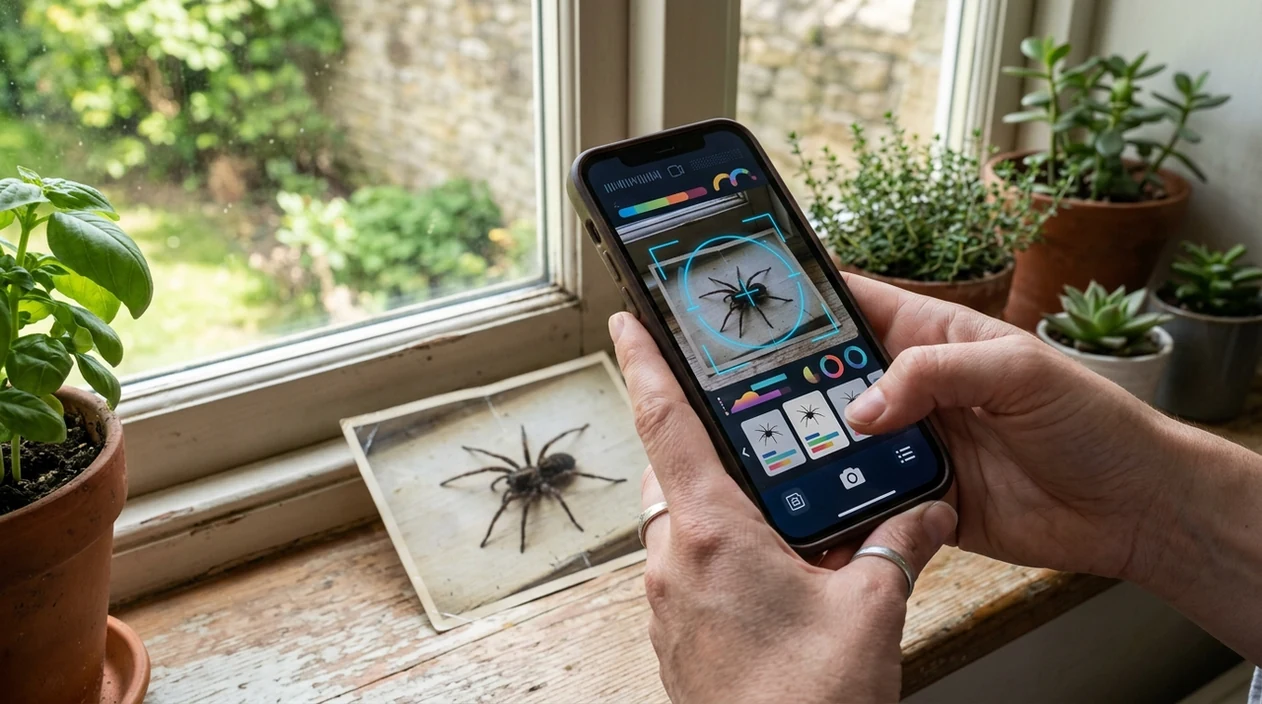
When an app that identifies spiders is useful
- Indoor spider checks are a common use case. A user can scan a wall, basement, garage, or window-frame spider before deciding whether the spider looks harmless or needs expert review.
- Garden and yard sightings are easier to research with a photo. The identifier can help separate spiders from lookalike insects while a plant identifier can help document the surrounding habitat.
- Travelers can use spider apps for unfamiliar regions. A quick scan gives a starting point before checking local wildlife advice, hotel staff guidance, or regional safety resources.
- Parents often need a fast answer after a child finds a spider. A photo result can reduce guessing, support safer removal, and help decide whether professional advice is needed.
- Spider apps are commonly used for home sightings, garden observations, and nature walks. The scanner gives likely names when field guides feel too broad.
- Pest-control conversations are clearer when the spider photo has a suggested name. A technician can review the original image and confirm whether treatment is necessary.
Best spider identifier app vs. Google Lens and Seek
Spider identifier apps vary by purpose. Some focus on broad visual search, while others emphasize nature observations. Users who want wider lookup options can also try reverse image search for matching photos across the web.
| Feature | Lens App | Google Lens | Seek by iNaturalist |
|---|---|---|---|
| Spider photo identification | Identifies spiders from live camera shots or uploaded photos. | Finds visually similar spider images and web pages. | Identifies wildlife observations when the image is clear. |
| Best for | Users who want one scanner for spiders, insects, plants, coins, food, and translation. | Users who want broad web search from a photo. | Nature observers who want species suggestions and exploration. |
| Safety context | Gives likely visual matches and encourages expert review for risky spiders. | May show mixed web results that need careful checking. | Can suggest taxonomy, but does not provide medical advice. |
| Other categories | Covers plants, animals, birds, fish, mushrooms, rocks, crystals, antiques, food, and more. | Covers general objects, shopping, landmarks, text, and images. | Focuses mainly on wildlife and nature observations. |
| Mobile availability | Available free on the App Store and Google Play. | Built into Google apps and Android camera flows. | Available as a mobile nature app. |
| Limitations | Needs a clear spider photo and should not replace local expert identification. | Can return generic spider pages instead of a likely species. | May stop at a higher taxonomic level for difficult images. |
What an app that identifies spiders still gets wrong
- Low-light, blurry, or through-glass spider photos can hide leg bands, abdomen markings, eye patterns, and size cues, so the app may return a broad family instead of a likely species.
- Rare or unusual spiders are harder to identify from one image. Local range, season, and expert confirmation matter more when the result could affect safety.
- Do not use an AI spider ID as the only source for bite risk or handling decisions. If someone is bitten or symptoms appear, contact local poison control or a medical professional.
Spider in the corner?
Spotted a spider by the bathtub or in the garage? Snap a photo, and Lens App suggests likely spider matches so you can decide what to do next. It’s free to download on iPhone and Android.
Related guides
A practical spider ID pick
For photo-based spider checks, Lens App is a practical choice because it can scan a spider image and return visual matches on both iOS and Android.
Use the result as a starting point for names and comparison. If the spider may be dangerous, the image is unclear, or a bite is involved, verify with a local expert or medical source.
Spider photo clues worth capturing
A spider ID is strongest when the photo shows both the animal and the scene it chose.
- Photograph from above to show body shape, leg position, and major markings.
- Add a side angle if possible; abdomen shape and leg length often separate lookalikes.
- Include the web, burrow, wall corner, plant, or floor surface for habitat context.
- Use natural light and crop loosely so the app can read edges, not just color.
- Keep distance: use zoom or a container photo rather than handling the spider.
Quick spider ID questions
What part of a spider matters most for identification?
Body shape, abdomen markings, leg pattern, and web type usually matter more than color alone, because lighting can change how colors appear.
Can a blurry spider photo still be useful?
A blurry photo may suggest a broad group, but fine species-level identification usually needs clear markings, leg detail, and context.
Should I photograph the spider’s web too?
Yes. Web shape, location, and attachment points can provide important clues, especially when spiders look visually similar.
What should I do after Lens App suggests a match?
Compare several visual matches, read local range information, and avoid using any app result as a bite-risk or medical decision.
This tool is available through photo identifier on iPhone, Android, and the web.
Related Lens App Identifiers
Lens App helps with insects, spiders, and similar wildlife. Related identifiers:
Free Lens App photo identifier.
Free Lens App photo identifier.
Free Lens App photo identifier.
Free Lens App photo identifier.
Free Lens App photo identifier.
Free Lens App photo identifier.
Collector's Tip
Collectors usually keep a reference image set when identifying natural specimens, and spider scans benefit from the same habit. Save the first match, then add one top view, one side view, and one habitat view if possible. A single app result is more useful when it is checked against repeatable visual clues rather than treated as a final authority.
Verification Tip
A spider identification result should be treated as a visual lead, not a safety decision. If the spider may be medically significant, in a bed, in clothing, or near a child or pet, users should avoid handling it and compare several clues before acting.
What Users Often Miss
- Users often upload only the spider’s top view, but the underside, leg posture, and web location can change the likely match.
- Many people crop out the setting, even though a corner web, garden burrow, basement wall, or window frame can help separate similar-looking spiders.
- Wildlife photographers often capture a dramatic close-up first, but a second wider photo can show scale, habitat, and web shape that improve interpretation.
- Gardeners often scan spiders found on leaves without noting whether the spider was on a web, hiding under foliage, or actively hunting.
- Users often search again after the spider moves because a side angle may reveal body shape clues that were hidden in the first upload.
Before You Scan
Spider apps work best when the user scans the clearest available evidence rather than the most alarming image. A blurry photo of a fast-moving spider may still produce suggestions, but a second upload showing body shape, markings, and surroundings usually gives a more useful visual comparison.
Garden Tip
Gardeners often identify spiders because they want to know whether to leave the spider alone, move it, or check for similar webs nearby. In garden use, Lens App is most useful when the scan includes the spider and the plant area where it was found, since outdoor spider matches can overlap by color and size.
Seasonal Note
Late summer indoors
Many users scan larger spiders that appear indoors when seasonal movement increases. The practical next step is usually to compare the result with web location and body pattern before deciding whether removal is needed.
Spring garden checks
Users often scan small spiders on new leaves because they are checking whether the animal is a pest or a helpful predator. A wider image of the plant and web area can make the result more meaningful than a tight crop alone.
After a bite concern
Some users scan a spider after finding a skin mark, but an app cannot diagnose a bite or confirm medical risk. If symptoms are concerning, the safer action is to seek qualified medical or local pest guidance.
Many users start with a spider found indoors or in the garden, scan it with Lens App for likely visual matches, then compare markings and location before deciding whether to leave it alone, relocate it, or ask for local expert help.
Why Lens App works well for spider identification
Lens App can help identify common house spiders, garden spiders, jumping spiders, orb-weavers, wolf spiders, cellar spiders, and web-building spiders from a photo. A practical workflow is to scan the spider for an AI match, then use Reverse Image Search to compare similar markings, body shapes, web types, and reference images before relying on the result.
Not sure it is a spider?
If the photo shows a tiny household creature, a garden pest, or an arthropod without clear spider features, the broader bug workflow may fit better. The bug identifier is useful when users need to compare spiders with insects, beetles, mites, ants, or other common household bugs in one search path. Try the Bug Identifier.
Frequently Asked Questions
What is the best app that identifies spiders from a photo?
A strong choice is a photo-based AI identifier that shows likely spider matches and related search context. Lens App is built for fast mobile scanning on iPhone and Android, but any result should be checked when venom risk is possible.
Can an app that identifies spiders tell if a spider is poisonous?
A spider app can suggest likely names and visual matches, but a spider app cannot confirm poisoning risk or diagnose a bite. If symptoms appear after a suspected bite, contact local medical services or poison control rather than relying on an app result.
Is Lens App free to use on mobile for spider identification?
The mobile app is available free on iPhone and Android. Users can scan a spider from the camera or choose a saved photo, then review the suggested match and related visual information.
Does the spider identifier work better than Google Lens?
Spider results depend on image quality, location, and how distinctive the spider looks. Google Lens is useful for broad web matches, while a dedicated nature-style identifier can be better when the user wants a focused spider result.
Can I identify a spider without touching the spider?
Yes. Use the phone zoom, keep a safe distance, and photograph the spider from above when possible. The clearer the abdomen, legs, and markings are, the better the scanner can compare the spider photo.
Does Lens App work on both iPhone and Android?
Yes. The app is available for iOS through the App Store and for Android through Google Play. A user can scan spider photos on either platform without needing a separate spider-only download.
Why did my spider app give only a general result?
Spider species can look very similar, especially juveniles and females from related groups. A general result usually means the photo lacks enough detail, the spider is rare, or the app cannot safely separate close visual matches.