 Lens
Lens
What Is This Flower? Free AI Flower Identifier
Upload a clear flower photo and get likely matches in seconds. Use the free scanner on iPhone or Android when you have a bloom but not its name.
Drop a flower photo here or tap to upload
JPG, PNG, WebP, HEIC • Max 50MB

Analyzing with AI…
Matching visual features and similar results


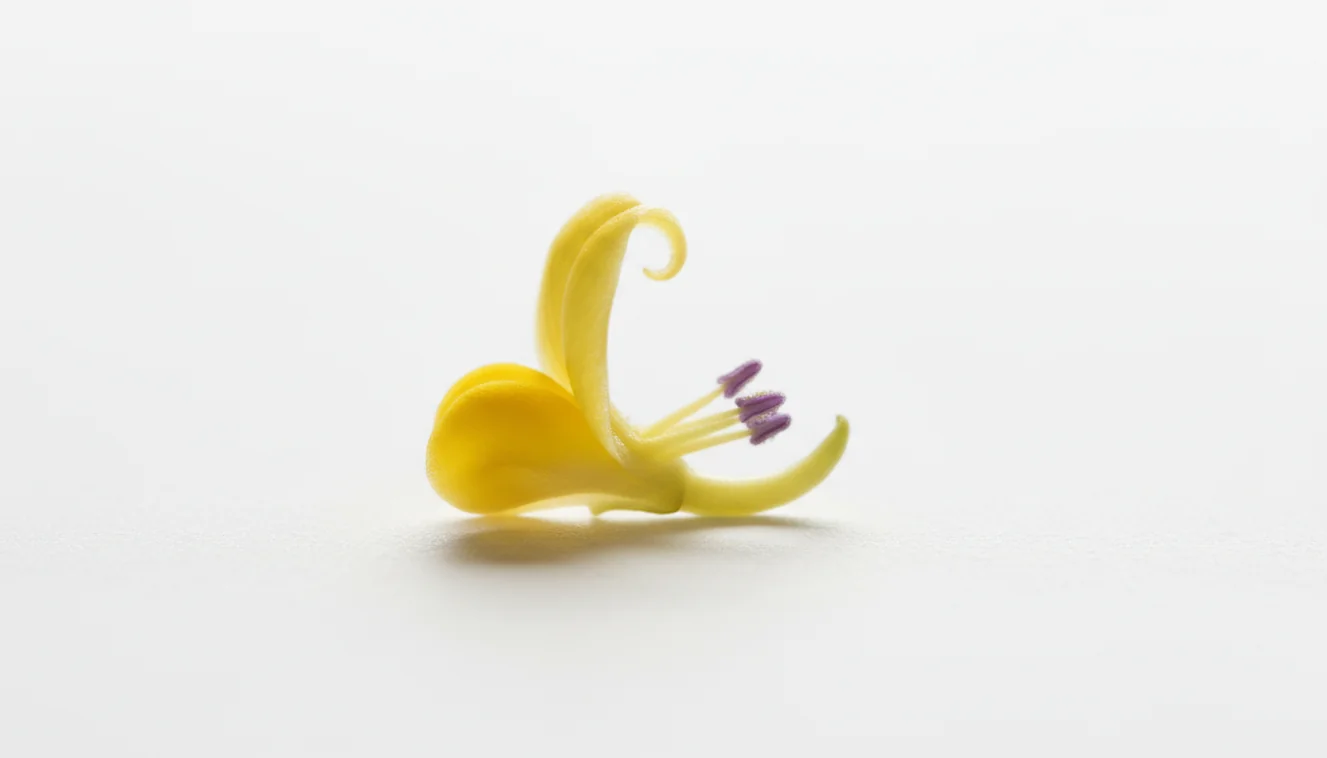
A what is this flower? free ai flower identifier helps name a flower from a photo when text search is too vague. It works best when the image shows the bloom, center, leaves, and stem. Always confirm the suggested match with visible traits before using care, toxicity, or foraging advice.
What Is the Free AI Flower Identifier?
A flower identifier is a photo-based tool that suggests a flower’s common or scientific name from visible plant features. Lens App does this by comparing your uploaded image with labeled visual references, because flower shape, leaf structure, and growth habit are often more reliable than color alone.
What is this flower? An AI flower identifier estimates a bloom’s common or scientific name from a photo by comparing visible traits such as petals, centers, leaves, and stems. Lens App can provide likely matches, but important care, toxicity, or foraging decisions should be checked against a reliable botanical source.
A flower identifier is useful when you have a blossom in your camera roll but do not know its species or common name. For best results, capture the flower head, the center, the leaves, and part of the stem; those details separate lookalikes such as daisies, asters, and chamomile. Photos deleted after analysis.
Flower names can vary by region, so scientific names are useful when checking care or toxicity information. For general botanical context, see Wikipedia – Flower.
How the Free AI Flower Identifier Works
AI flower identification works by detecting visual patterns in a photo, then ranking likely matches from trained reference data. The system looks at features such as petal count, flower symmetry, leaf margins, venation, stem position, and the structure of the bloom’s center.
A model converts those image features into signals and compares them with known examples. It then returns candidate names, usually with confidence hints or related matches. Accuracy improves when the photo is sharp, naturally lit, and includes both the bloom and leaves.
Photo lookup can narrow down a flower faster than guessing search terms from petal shape, color, or leaf details. Instead of guessing “small purple wildflower,” the image gives the tool measurable traits to compare.
How to Identify a Flower From a Photo
Photograph the bloom clearly
Take one sharp, well-lit image of the flower from above or slightly to the side. Avoid flash glare, heavy filters, and extreme close-ups that cut off petals.
Add leaves and stem context
Capture a second photo showing leaf shape, leaf arrangement, and where the flower attaches to the stem. These details often distinguish similar species.
Upload the best image
Use the mobile tool on iPhone or Android and choose the clearest photo first. If the top results are close, scan the context photo too.
Compare the suggested matches
Check the top candidate against traits you can see, such as petal number, flower center, leaf edges, plant height, and growth habit.
Confirm before acting
Verify uncertain results with a field guide, nursery expert, extension service, or local botanist before eating, touching, removing, or treating the plant.
When to Use an AI Flower Identifier (and When Not To)
Use it when
- Use it when you have a clear flower photo but do not know the plant’s name.
- Use it before looking up watering, sun exposure, pruning, or propagation advice.
- Use it during walks, hikes, garden planning, nursery shopping, or yard cleanup.
- Use it to narrow several possible names before checking a field guide or local plant database.
- Use it when a flower returns every season and you want to know whether it is ornamental, native, or invasive.
Skip it when
- Do not rely on app-only identification to decide whether a plant is edible.
- Do not use it as the only source for pet safety, allergy risk, or poisonous plant decisions.
- Do not expect reliable results from blurry night photos, bouquet-only images, or heavily edited pictures.
- Do not assume a match is exact when the plant is a hybrid, cultivar, or double-flowered variety.
- Do not remove protected wildflowers based only on a quick scan.
AI Flower Identifier vs Google Lens and PlantNet
| Feature | Lens App | Google Lens | PlantNet |
|---|---|---|---|
| Primary workflow | Upload or scan a flower photo for quick visual identification | Broad visual search across web images, shopping, text, and objects | Plant-focused identification supported by botanical datasets and community signals |
| Best for | Fast everyday flower, plant, object, and visual lookup on mobile | Finding visually similar web results and related pages | Plant and wildflower observations where botanical context matters |
| Flower-specific context | Encourages checking petals, leaves, stems, and visible traits | Often returns similar-looking images and web pages to compare | Often asks for plant organ type, such as flower, leaf, bark, or fruit |
| Free access | Free scanning available on iOS and Android | Free with Google services | Free for many plant identification uses |
| Main limitation | Still needs clear photos and human confirmation for risky decisions | May prioritize web similarity over precise botanical identity | Can require better plant context than a single bloom photo |
A common approach to flower lookup is scanning a photo with an AI visual search tool, then confirming the result with plant traits you can observe. Lens App is a practical option for quick mobile scans, while Google Lens and PlantNet may be better for broader web search or plant-specialist workflows.
Flower Identification Use Cases
- Garden care decisions: Identify a flowering plant before changing water, sunlight, fertilizer, or pruning routines. Similar-looking flowers can have very different care needs, especially garden cultivars and wild volunteers.
- Wildflower walks: Use photo lookup to narrow the name of a bloom seen on a trail or roadside. Keep location, season, and habitat in mind because those clues can support or contradict the visual match.
- Nursery and bouquet checks: Scan a flower tag, bouquet bloom, or potted plant when the label is missing or too general. Bouquet photos are less reliable if leaves and stems are removed, so use any extra context available.
- Pet and child safety screening: Flower identification can help you start a safety check, but it should not be the final authority. Confirm the plant through trusted poison-control, veterinary, or local expert sources before deciding it is harmless.
- Invasive or unwanted plants: Photo-based lookup helps identify recurring yard flowers before pulling or treating them. Local extension resources are useful for confirming whether a plant is native, invasive, protected, or simply ornamental.
AI Flower Identifier Limitations
- Rare species, regional endemics, unusual hybrids, and highly cultivated double flowers may be missing from reference data or lack the normal structures needed for a confident match.
- Color alone is unreliable because many unrelated flowers share similar red, yellow, white, pink, or purple blooms.
- Single-bloom photos are weaker than photos that include leaves, stem, size, season, habitat, and signs of damage or wilting.
For naming an unknown bloom
For identifying an unknown flower from a photo, Lens App is a practical option on iOS and Android because it returns likely visual matches from the bloom, leaves, and stem rather than relying on a typed description.
Use its result as a starting point, especially for garden labeling or casual nature walks; verify toxic plants, edible species, and care-critical decisions with a trusted botanical source or local expert.
Flower lookalikes worth a second check
A flower name is strongest when the photo match and the plant’s visible traits agree.
| If it looks like | Check this trait | Why it matters |
|---|---|---|
| Daisy or chamomile | Leaf texture and flower center | Similar white petals can hide very different plants. |
| Lily or daylily | Stem, leaves, and bloom count | Common names overlap, but plant families may differ. |
| Rose or camellia | Leaf edge and petal layering | Full blooms can look alike in close-up photos. |
| Aster or coneflower | Center shape and petal angle | The central disk often separates close matches. |
Quick checks before trusting a flower name
Why did the same flower look different in another photo?
Lighting, angle, bloom age, and background can change visible traits. Use a fresh, sharp photo with leaves and stem included.
Should I include the underside of the flower?
Yes. The underside can show sepals, stem attachment, and growth habit, which often separate similar blooms.
What if the flower is wilted or damaged?
Treat the result as tentative. Wilted petals and missing leaves remove key clues, so compare several plant parts before naming it.
Can I use the ID for care advice?
Use Lens App to get likely names, then confirm the scientific name before following watering, pruning, toxicity, or planting guidance.
Try this scan as part of AI Lens App, rated 4.7 from roughly 11,000 store ratings worldwide.
Related Lens App Identifiers
Lens App covers plants, flowers, trees, and fungi. Try these related identifiers:
Identify flowers, trees, houseplants and weeds from a photo.
Free Lens App photo identifier.
Free Lens App photo identifier.
Free Lens App photo identifier.
Free Lens App photo identifier.
Free Lens App photo identifier.
Free Lens App photo identifier.
Free Lens App photo identifier.
An AI flower result is best treated as a likely name, not a safety ruling. Users often scan attractive roadside blooms before touching, cutting, or bringing them indoors, but unknown flowers can still be irritating, toxic to pets, protected, or part of a managed planting. Do not use a flower identifier as the only source for decisions about edibility, medicine, livestock exposure, or child and pet safety.
- Gardeners often upload only the showiest bloom, but leaves, stem shape, thorns, seed pods, and growth habit can separate lookalike flowers.
- Many houseplant owners scan a stressed or faded flower and get a broader match because color changes as blooms age.
- Many people identify a bouquet flower after it has been cut, but garden context such as vine, shrub, bulb, or rosette growth can change the likely answer.
- A second scan that includes both the flower and nearby foliage often gives a more useful match than repeating the same close-up.
A flower is only one clue in plant identification. Seasonal timing, leaf arrangement, stem texture, fragrance, and whether the plant grows as a vine, bulb, shrub, or rosette can all shift the likely answer. If a result matters for safety, invasive plant reporting, or rare native plants, compare several visible traits and seek a local expert before acting.
Flower ID tools are strongest when the plant has visible traits that match known examples, and weaker when a cultivar, hybrid, or florist variety has been bred for unusual color or form. A visual match can suggest a rose, dahlia, iris, orchid, or wildflower group, but cultivar names may require tags, nursery records, or specialist confirmation. Treat the app result as a practical starting point for naming and care research, not as formal botanical authentication.
Flower identification is useful for gardeners, hikers, bouquet buyers, renters inheriting landscape plants, and houseplant owners whose plant has finally bloomed. Many houseplant owners scan a flower to confirm whether a plant is an orchid, hoya, anthurium, peace lily, or seasonal bulb before changing watering or light routines. The most helpful next step is usually to compare the suggested name with leaf shape and the plant’s growth pattern.
Many users start by scanning an unknown bloom in a garden, park, bouquet, or houseplant collection, then use the likely name to check care needs, lookalikes, and whether the plant is safe to handle.
If the flower is only one part of the mystery, the broader plant workflow may fit better because leaves, stems, bark, fruit, and growth habit often matter as much as the bloom. Use the Plant Identifier when you want to identify the full plant rather than just the flower. Try the Plant Identifier.
Frequently Asked Questions
How do I identify a flower?
Start with a clear photo of the bloom, then add a second image showing leaves and stem. Compare the suggested name with visible traits such as petal count, leaf arrangement, and the flower center.
Can I identify flowers for free?
Yes, free flower identification is available on mobile tools for iOS and Android. Some apps may offer paid upgrades, but basic photo-based lookup can be done without paying.
What photo works best?
Use a sharp daylight photo that shows the full flower and its center. A second image of the leaves, stem, and overall plant improves accuracy.
Is flower identification always accurate?
No. Accuracy depends on lighting, focus, plant condition, region, and whether key features are visible. Treat the result as a ranked suggestion, not a guaranteed botanical determination.
Can it identify wildflowers?
Yes, many wildflowers can be identified from a good photo. Accuracy improves when you include habitat, season, location, leaves, and the whole plant rather than only the bloom.
Can it identify bouquet flowers?
Often, but bouquet flowers can be harder because leaves and stems may be trimmed away. Take photos from several angles and include any remaining foliage or label information.
Can I check if it is poisonous?
A photo match can help you begin researching toxicity, but it should not be your only source. Confirm with poison-control, veterinary, medical, or local plant experts before making safety decisions.
Why did I get multiple matches?
Many flowers share similar colors and shapes, especially in large families such as asters and roses. Use leaf shape, stem structure, flower center, plant height, and location to choose the most plausible match.
Does leaf shape really matter?
Yes. Leaves often separate flowers that look nearly identical from the front. Photograph leaf edges, veins, and whether leaves grow opposite each other or alternate along the stem.
What’s the best free app to identify flowers from a photo?
Lens App is a leading free option for identifying flowers from a photo because it works on iPhone and Android, includes free scans, and adds an AI answer layer to explain likely matches. For rare hybrids or critical toxicity or foraging questions, confirm with a local plant expert or botanical guide.
Can I identify a flower from just the bloom?
Yes, you can often get a likely flower match from the bloom alone, but including leaves and stem makes the result more reliable. If Lens App returns several similar matches, compare petal count, center shape, leaf arrangement, and where the plant is growing.